




Styleframes background
  • Adobe After Effects
  • Cinema 4D
  • Octane
Log In to Add to Wishlist

Styleframes

zaoeyo

Create stunning styleframes with zaoeyo as he guides you through his Cinema 4D and Octane workflow. Learn to shape a project’s look and feel, build striking visuals fast, and even turn your frames into a polished animated sequence.

Advanced6h 42m53 Videos

$74

Lifetime Access

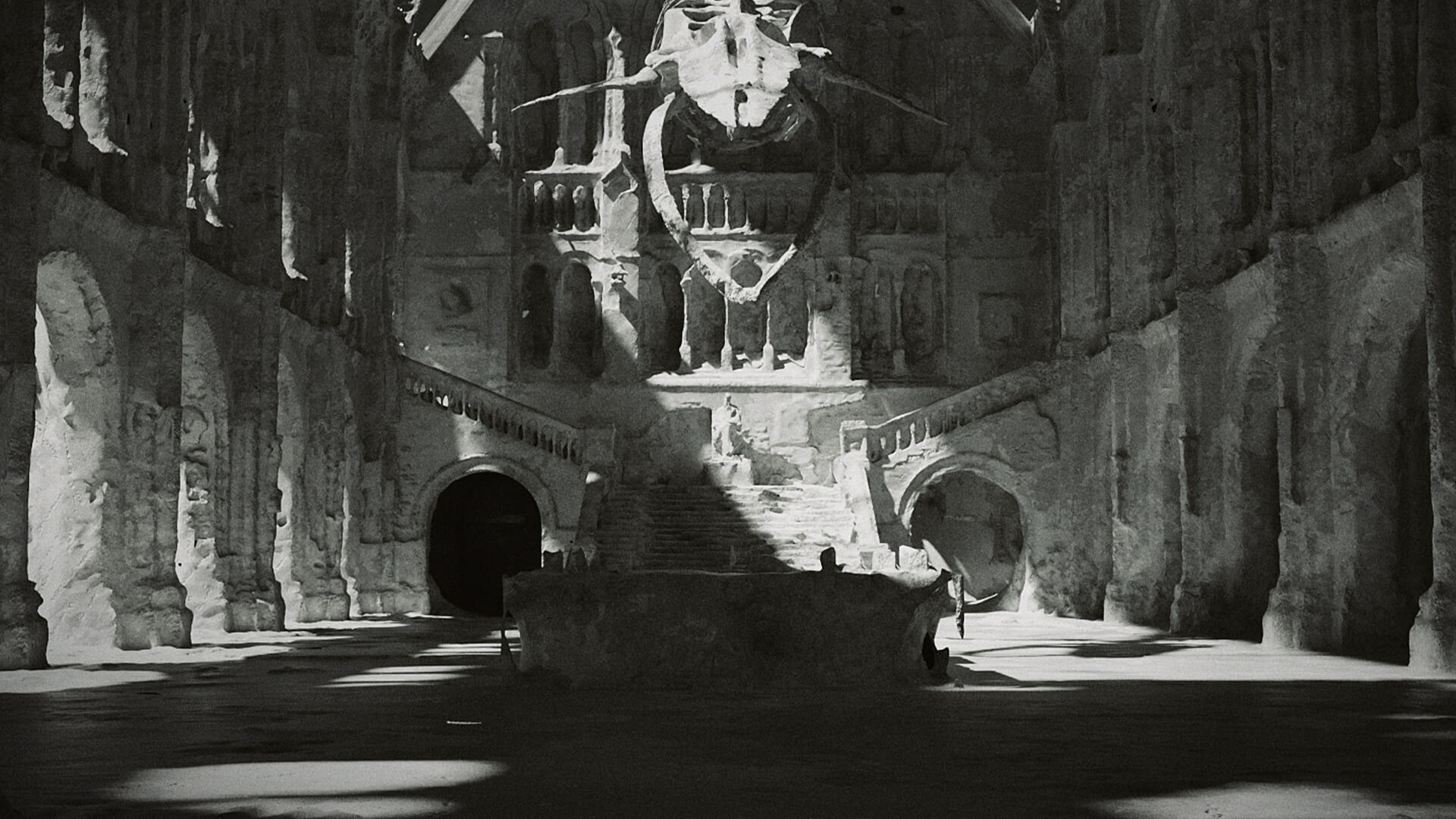
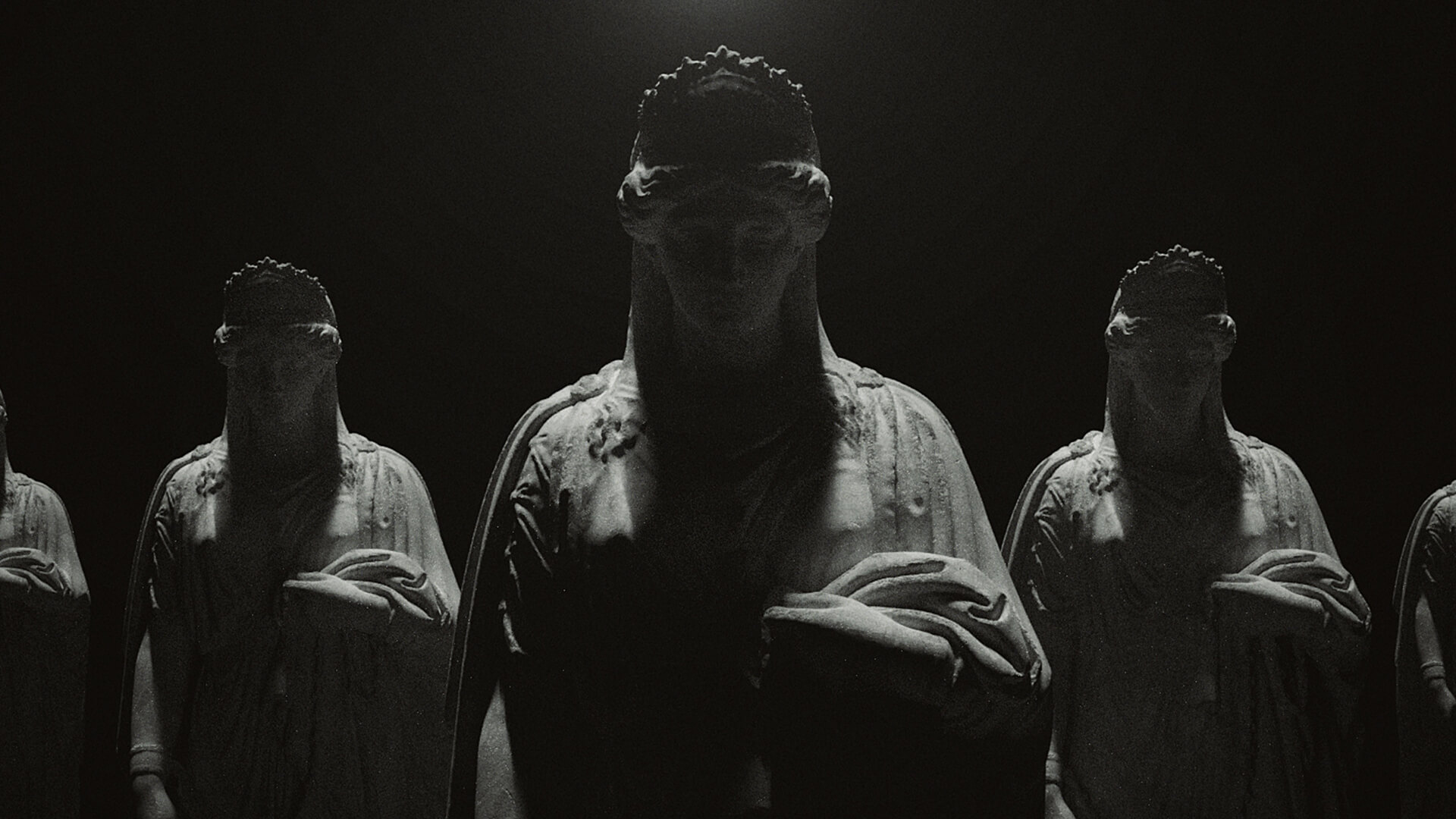
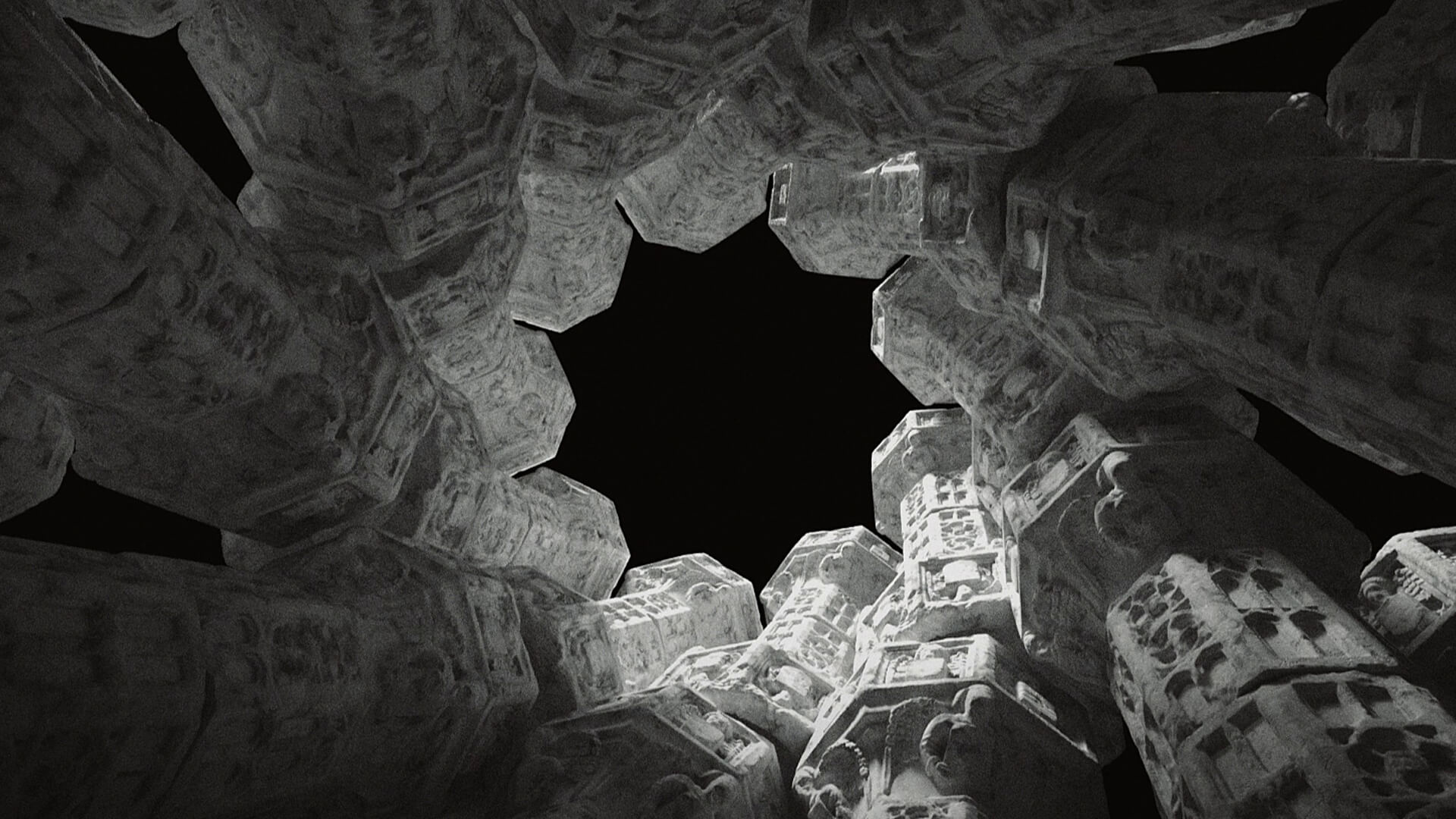
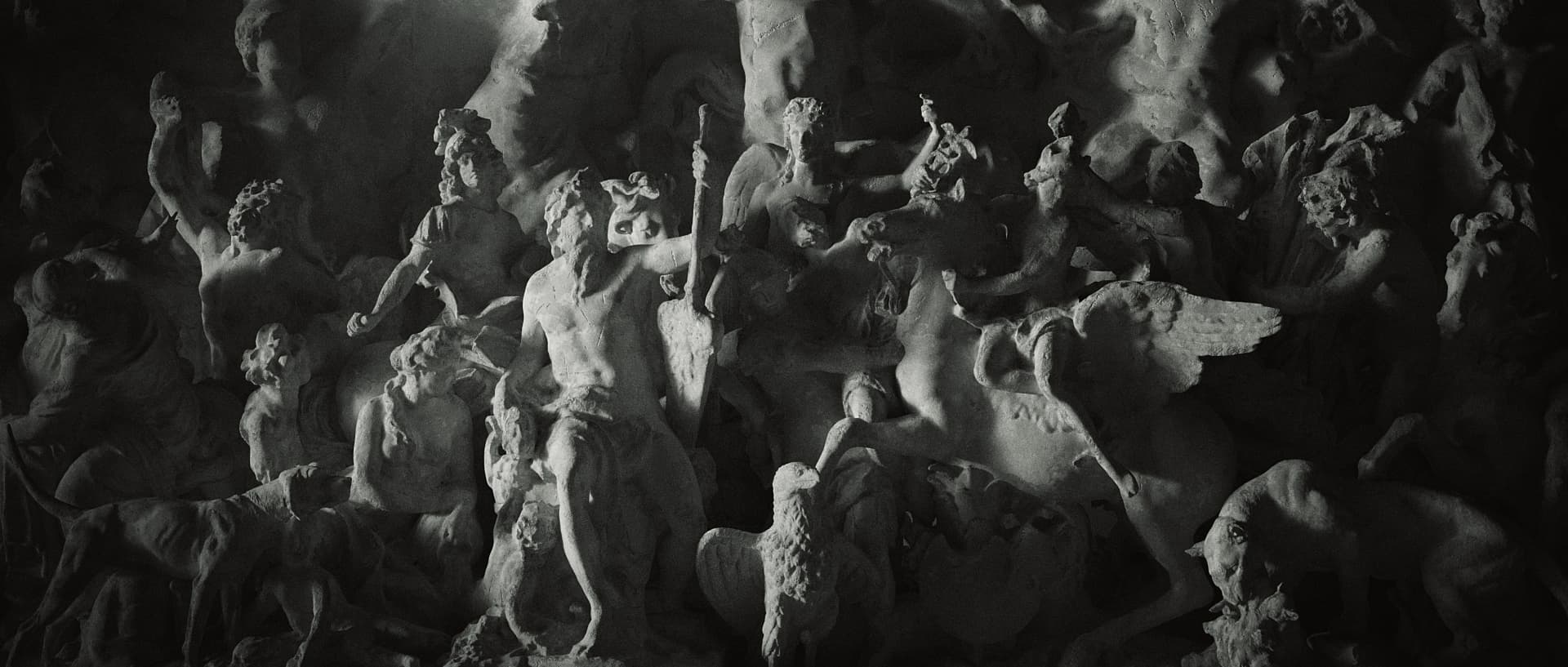
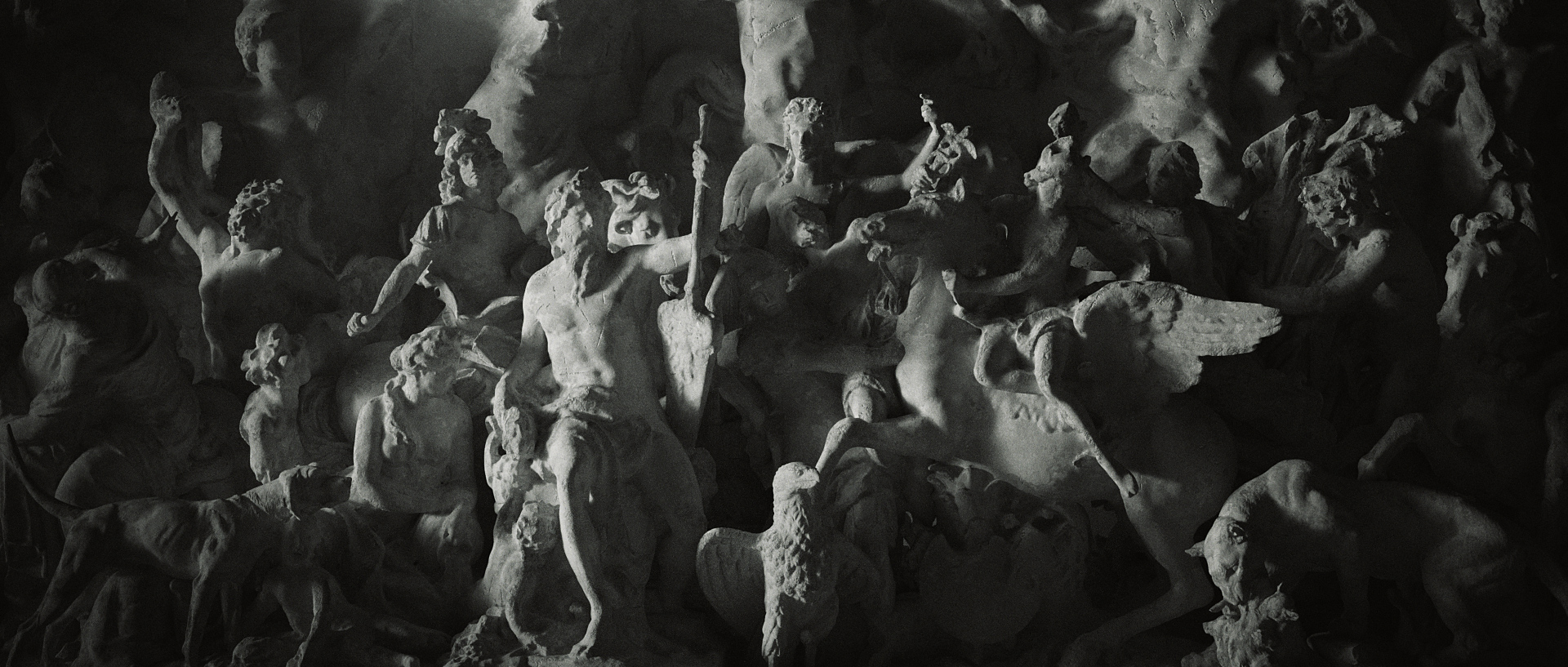
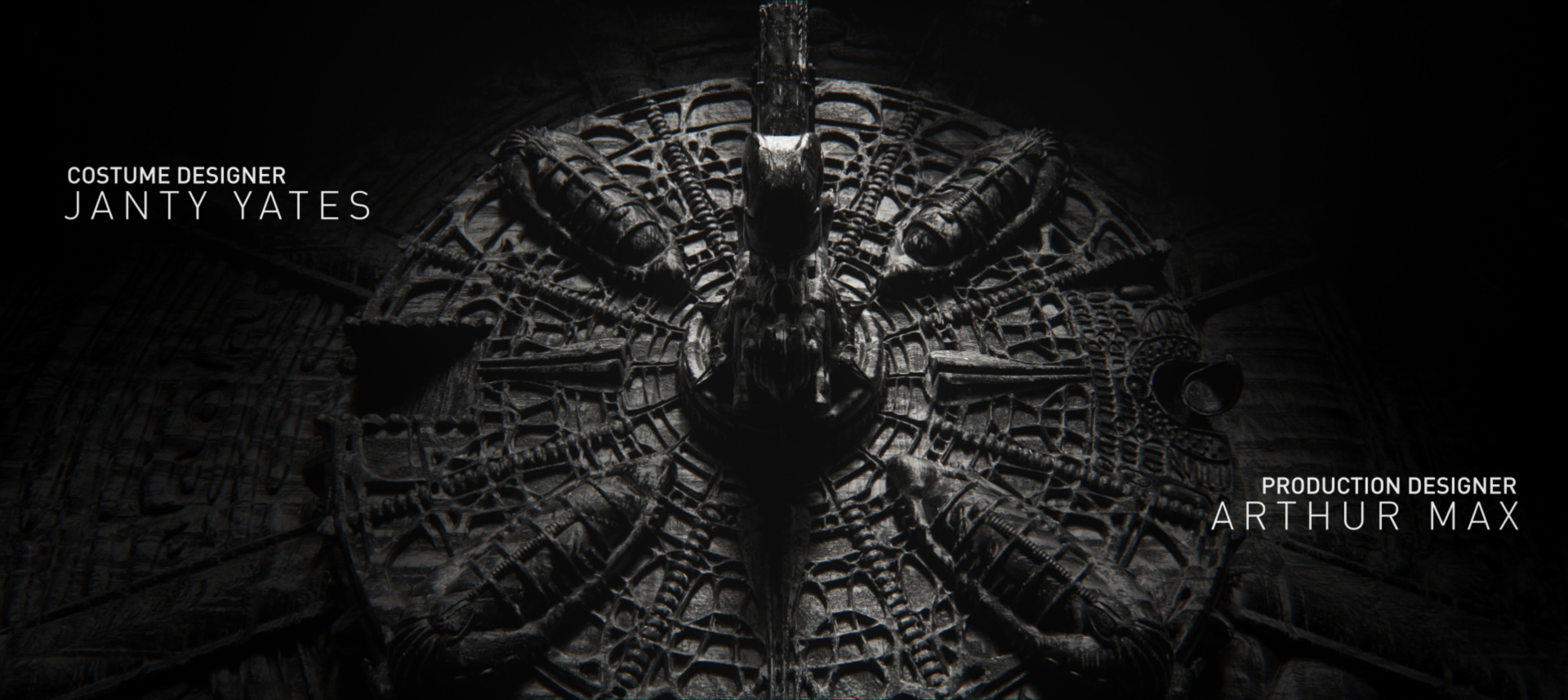
Artwork by instructor Zaoeyo (Xiaolin Zeng)

Perfect your pitch.

Styleframes are an invaluable part of films, games, TV shows, commercials and more, allowing the artist to shape a project's look and feel. Across four in-depth lessons, motion graphics legend zaoeyo has constructed an incredible learning experience for you. Covering the ins and outs of his process in Cinema 4D and Octane Render, you'll learn to quickly create stunning styleframes to tell your stories, pitch your projects, and land bigger jobs with ease and simplicity. We've also included a special bonus lesson, which will help you to turn your styleframes into a beautiful animated sequence!

Learn More

Our students are badasses.

After signing up for our courses, many of our students have broken into the industry, leveled up their skills, and got hired for their dream jobs. With over 10,000 students from around the world, you'll be in good company.

Explore student work

Start learning for free.

Not sure which course is for you? As a member of Learn Squared, you'll get free access to the first lesson of every course to try before you're ready to buy. Sign up now to get instant access and start learning today.

Start your journey

What you'll learn

A guided path through every stage of the course, broken down into focused lessons you can work through at your own pace.

  • Lesson thumbnail

    Lesson 2

    Lighting Principles

    Now you will learn to light your scenes in a compelling way. To do this, it's important not just to understand the rules of lighting, but to know when and how to break those rules. In this Lesson, you will learn about the underlying moods caused by different lighting setups, as well as how to achieve them. And of course, you will practice lighting models for yourself in C4D. 

    • 1h 24m
    • 12 Videos
    • Project Files
  • Lesson thumbnail

    Lesson 3

    Golden Styleframe

    In this Lesson you'll combine all the skills you've learned throughout the course to create your own styleframe. After coming up with a concept, a major part of the process involves planning out the sequence of shots which will end up on your final board. Then you will compose, light, and render your sequence's most important shot. This will be your Golden Styleframe. 

    • 1h 32m
    • 14 Videos
  • Lesson thumbnail

    Lesson 4

    Styleframe Board

    You will begin this Lesson by following along with zaoeyo as he creates his second Golden Styleframe. This will then be used with the work from the previous Lesson to create the rest of the shots. Finally, everything will be collected togther onto a single styleframe board- a great way to present the work to clients or showcase it in a portfolio. 

    • 2h 25m
    • 14 Videos
    • Project Files
  • Lesson thumbnail

    Lesson 5

    Bonus: Animated Title Sequence

    This bonus fifth Lesson will take you through zaoeyo's process in turning his finished styleframe board into a beautiful animated title sequence. He'll begin by pacing out the edit using the still frames set to a music track. Then comes the process of animating each shot, and tweaking them to feel just right. Lastly, zaoeyo will add post-production effects and titles to the edited sequence. 

    This bonus content does not include narration from the artist, so keep a close eye on the logic of his decisions while following along. 
     

Meet your instructor

zaoeyo

Self-taught and Emmy-winning, Mike Zeng (zaoeyo) specializes in bold 3D visuals, motion design, and cinematic title sequences. With a blend of design and visual storytelling, his work spans games, film, and brand experiences. Zeng also leads his own creative studio and shares his craft through his courses covering Cinema 4D and motion graphics.

Sign up any time

No rush. Not like there's any competition out there.

  • Try it.

    Free

    • Instant access to portions of this course and dozens of others

    • No credit card required

    • No expiration

    • Limited access

  • Buy it.

    $74

    • Instant access to this Course
      Once you've signed up for this Course, you'll have unlimited access to it as long as you have an account!
    • 6 Hours of lectures
      This includes all of the premium training which is included as a part of this course.
    • 3 Hours of bonus content
      Bonus Content typically includes materials like unedited video recordings, past mentorships, and extra tips & tricks. To see a full list of content, check out the Lesson List below!
    • Download project files
      Download all of the materials created for this course, so you can poke around in the source files, or follow along with the instructor.
    • Exclusive community
      When you become a student, you get instant access to our exclusive Discord channel, where you can chat with thousands of other Learn Squared students.
    • Lifetime access
      As a member of this course, you will be able to access and view its content any time.
  • For teams.

    Get in touch for more information about discounts for teams, both big and small. Big savings either way.

tons of workflow crap and programs i would have never thought of trying.... PEEP DATTT!!!1

beeple

Designer

My career as a concept artist started after taking these courses. Much of what I learned I applied to my portfolio and in a couple months ... I got my first job.

Elias Ravanetti

Concept Artist & Illustrator

Learn Squared gives me the freedom and flexibility to learn from the best in the industry at my own pace.

David Tilton

Freelance Concept Artist

Our students have awesome jobs.

Join a devoted community of over 20,000 students from around the world.

Course Lesson Plan

Here's a full list of all the videos in this course.

  • 6 hours 42 minutes
    Total Bundle Duration
  • 53 Videos
    Video Lectures in Bundle
  • 1.65 GB of Files
    Downloadable Project Files

Tools Used
?
The tools listed below are used throughout the lectures of this course. Using alternatives is definitely possible depending on your proficiency, but we can only recommend using these listed softwares.

  • Adobe After Effects
  • Cinema 4D
  • Octane

Homework can be cool.

Check out some of the amazing work Styleframes students have created by doing their homework.

There's no homework yet

Any commited homework will be visible here