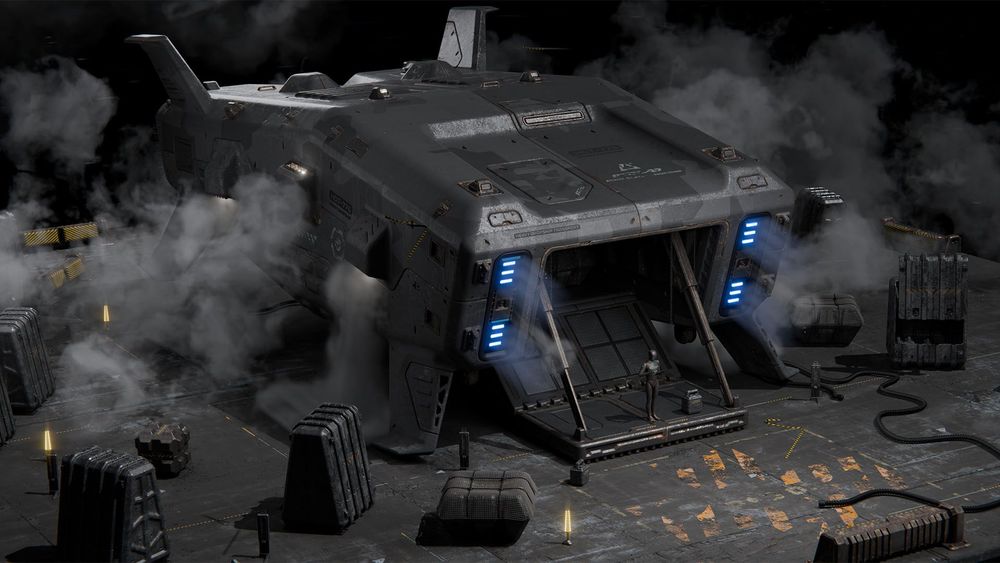
Concept Design in Fusion
Ivan Santic | MOTH3R®
Lifetime Access
28 hours
Level: Intermediate
-40%
$149$89
Details all the way down.
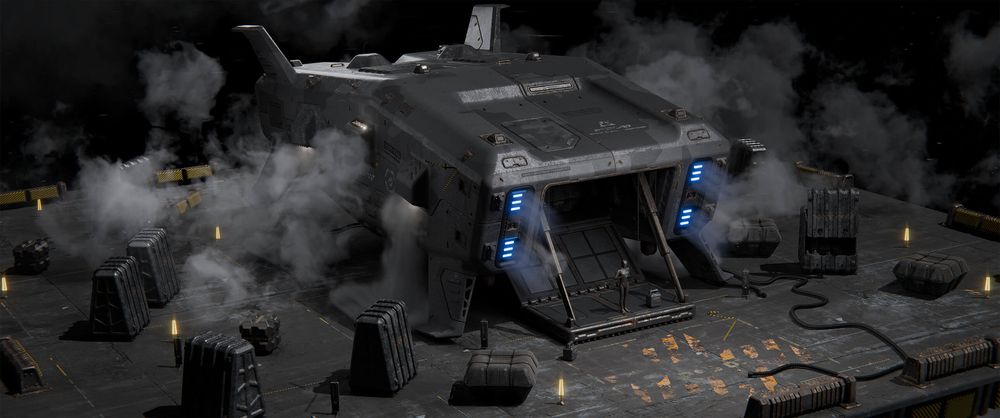
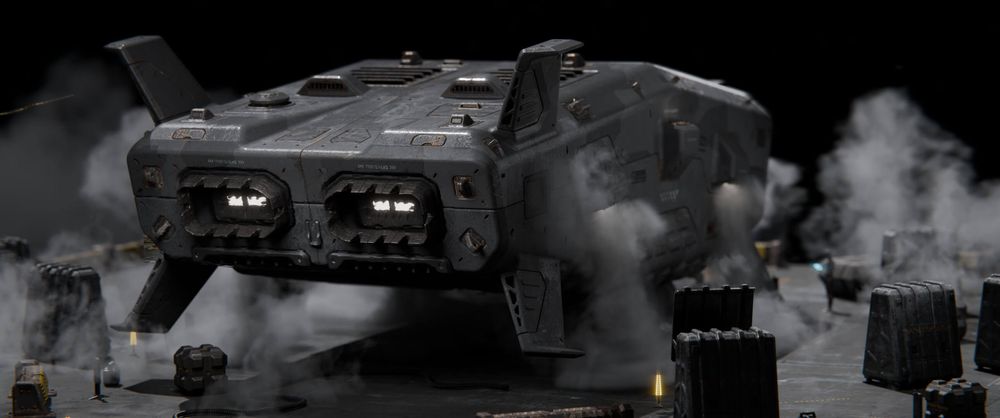
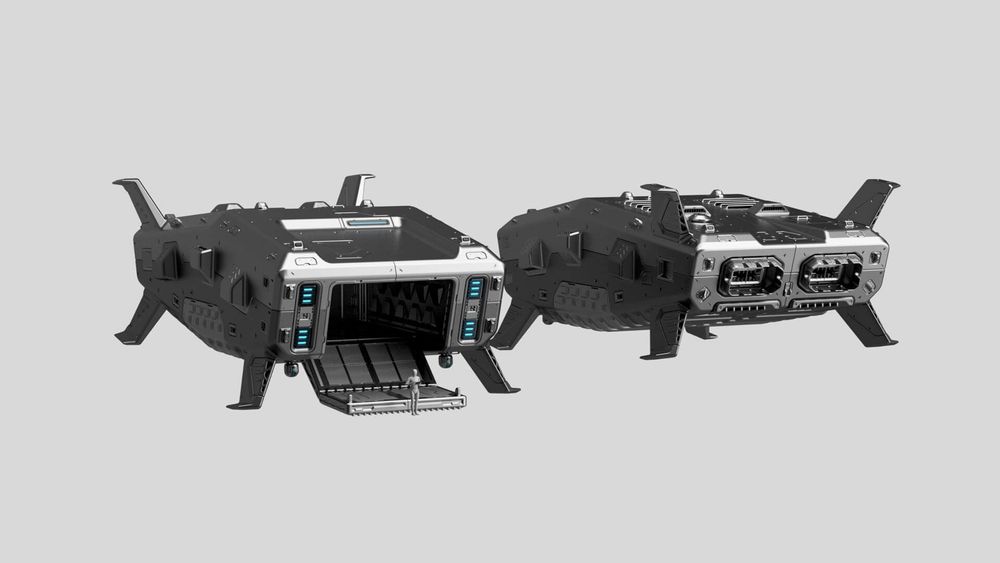
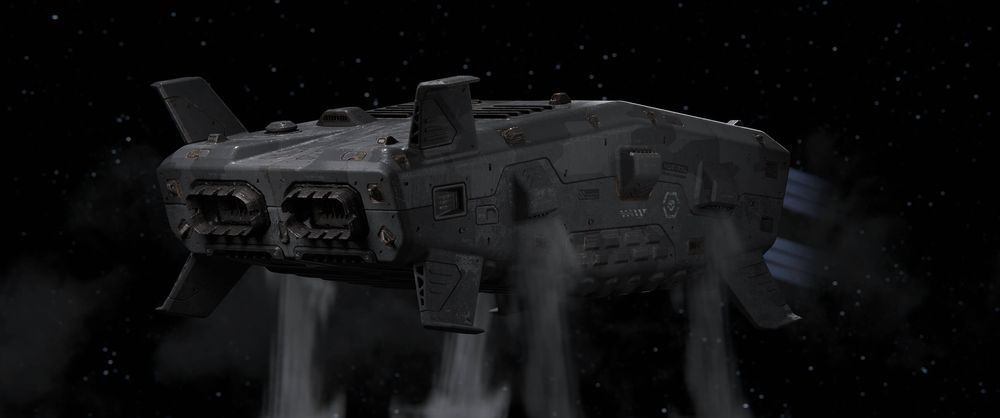
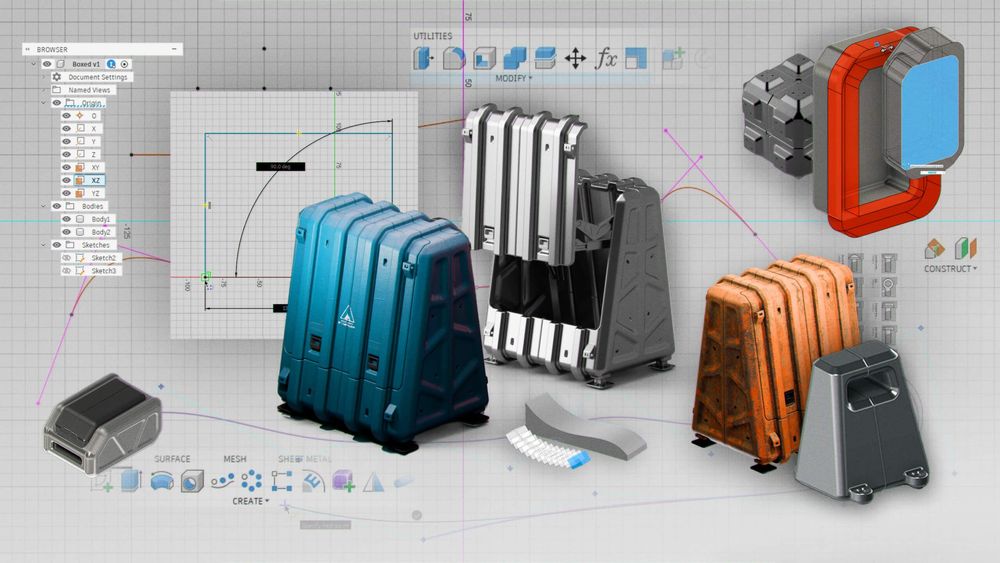
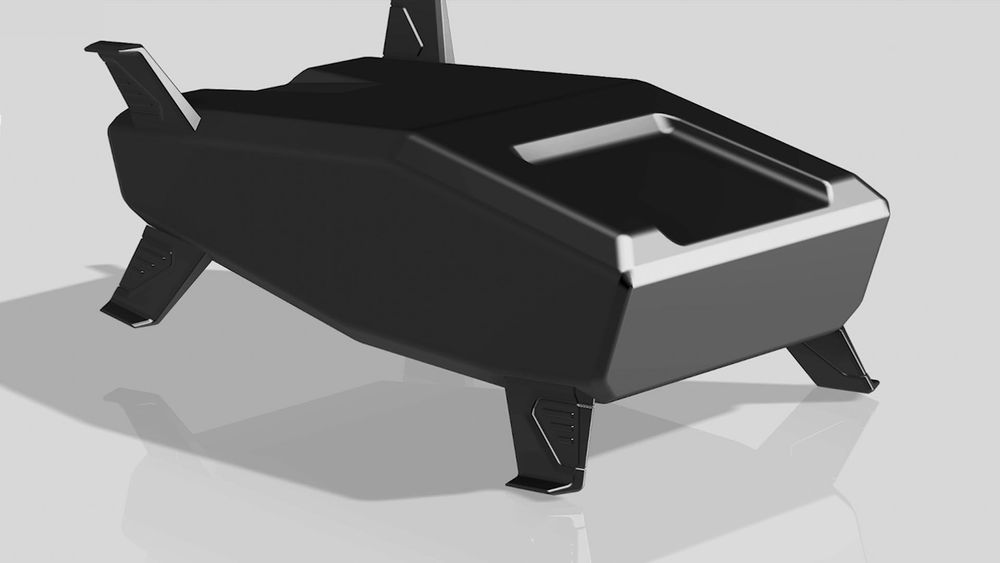
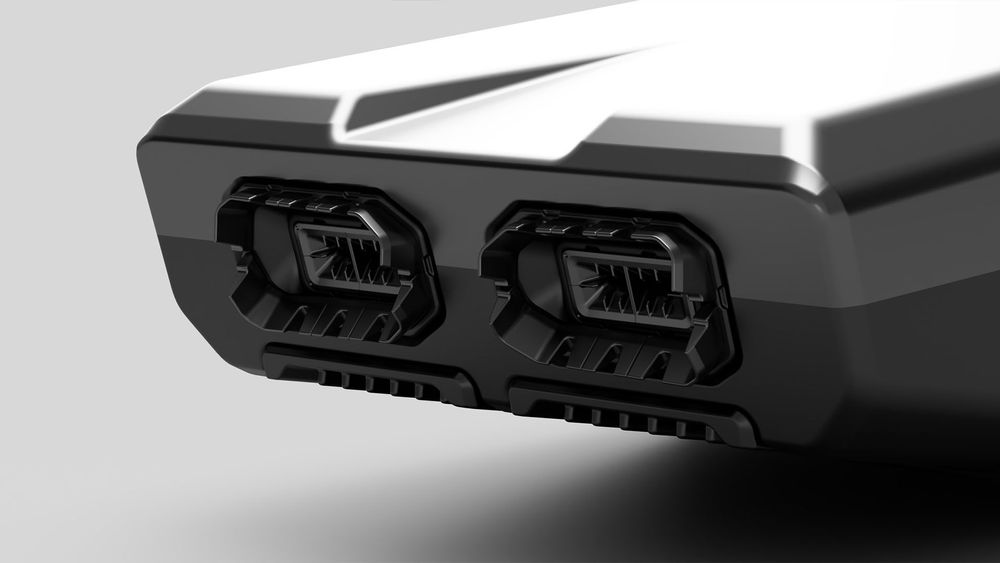
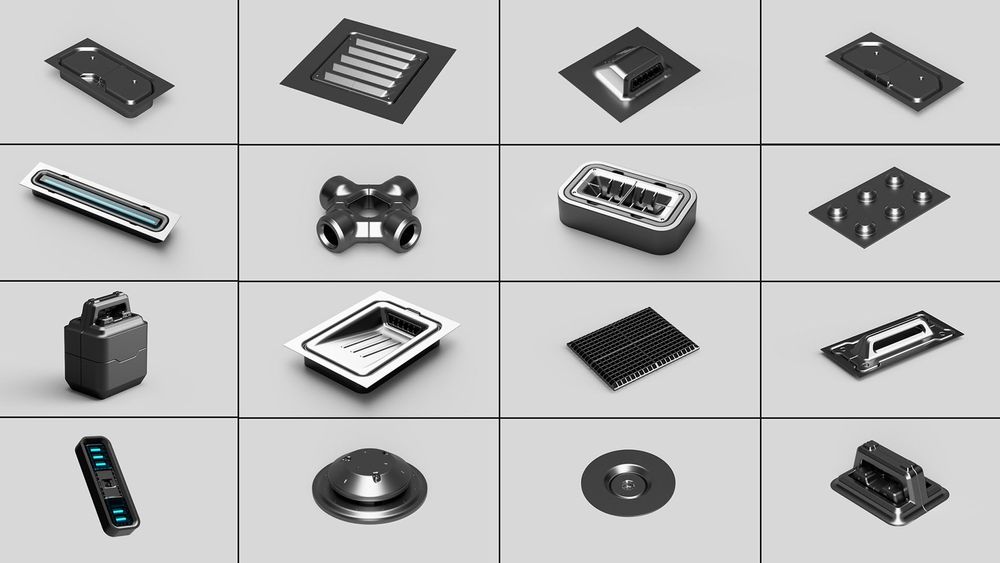
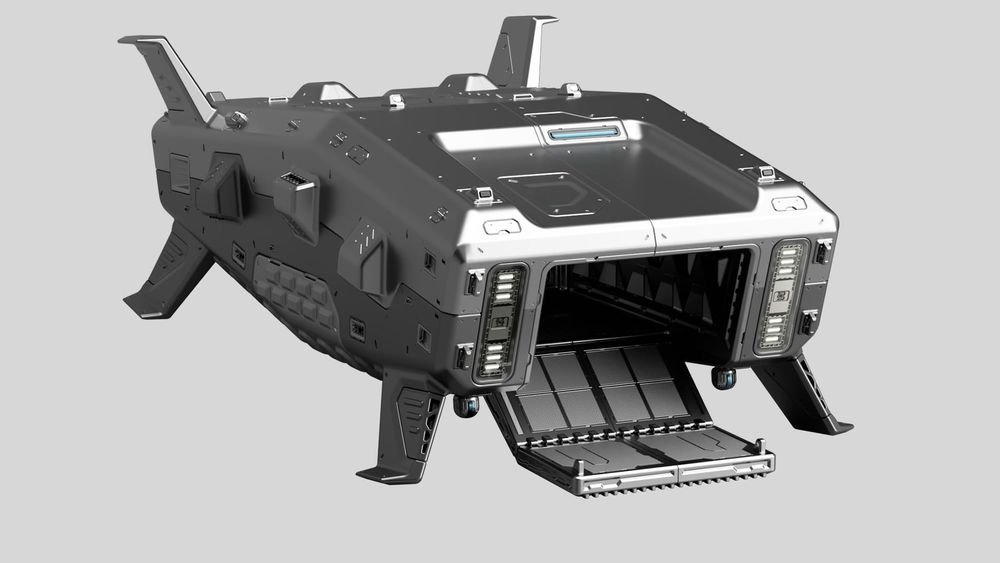
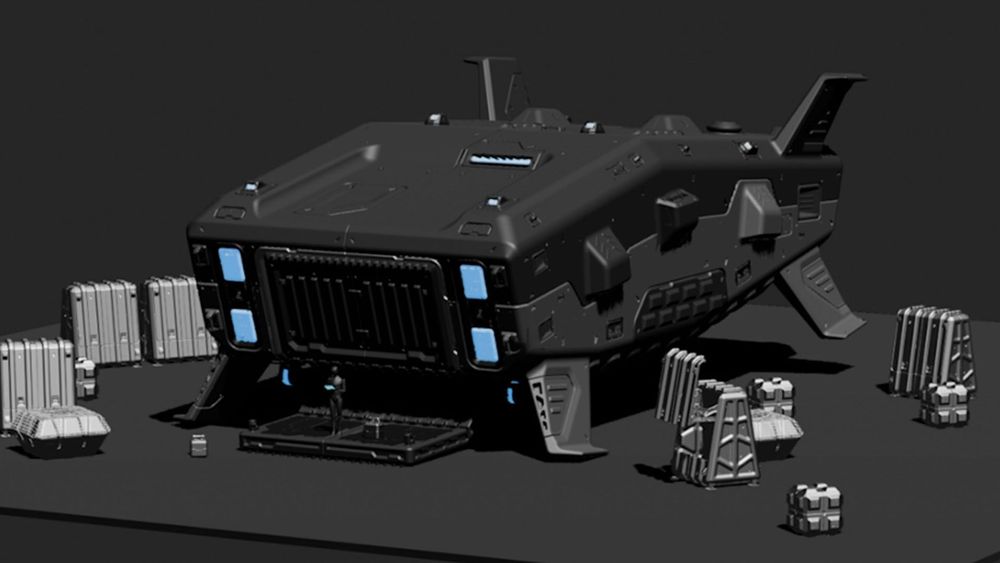
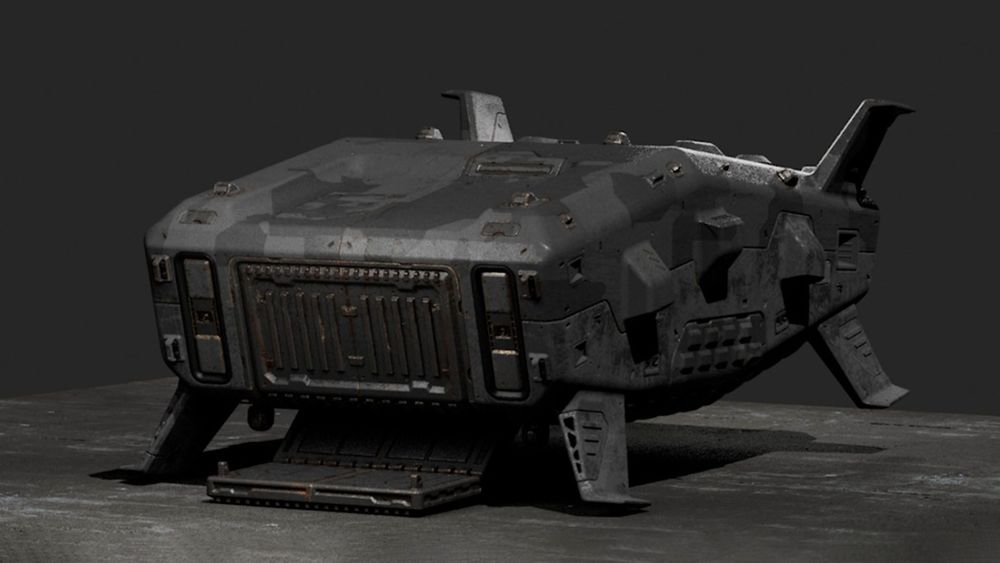
Create stunning hard surface designs in Fusion with Ivan Santic (MOTH3R®). In this course you'll learn to work holistically, layering on detail as you go and leveraging Fusion’s timeline-based workflow to propagate changes across your entire build. Ivan will then take you through texturing and lighting your model in Blender to craft compelling keyframes. As a bonus, this course includes full access to XDECAL, the Blender add-on Ivan co-developed for adding decals and surface detail. And on top of this, you'll receive Ivan's full Fusion Basics course for FREE! That means you'll learn everything from the absolute basics, all the way through advanced the advanced techniques that Ivan uses in his daily professional work.
Our students are badasses.
After signing up for our courses, many of our students have broken into the industry, leveled up their skills, and got hired for their dream jobs. With over 20,000 students from around the world, you'll be in good company.
Start learning for free.
Not sure which course is for you? As a member of Learn Squared, you'll get free access to the first lesson of every course to try before you're ready to buy. Sign up now to get instant access and start learning today.
And so much more...
Check out all of the awesome perks you get as a student of Learn Squared.
A dedicated community
Join over 20,000 students from around the world, all dedicated to improving their art. In our community, you will never learn alone.
Invite your friends
Sharing is caring. Especially when it saves you and your friends some money. Refer friends to get discounts and save on purchases.
Track your progress
Learning a new discipline can be a long, daunting process. We make it easy for you to keep track of your progress.
Watch any time
No more semesters. No more access periods. Buy a course to get instant, lifetime access and start learning whenever works for you
Download files
All of our courses include downloadable project files. Follow along as you learn using the same working files as your instructors.
Mentorship archives
Learn from other students experience. Many of our courses include bonus recordings of past mentorship meetings to watch any time.
tons of workflow crap and programs i would have never thought of trying.... PEEP DATTT!!!1
beeple
Designer
My career as a concept artist started after taking these courses. Much of what I learned I applied to my portfolio and in a couple months ... I got my first job.
Elias Ravanetti
Concept Artist & Illustrator
Learn Squared gives me the freedom and flexibility to learn from the best in the industry at my own pace.
David Tilton
Freelance Concept Artist
Sign up any time
No rush. Not like there's any competition out there.
Try it.
Free
Instant access to portions of this course and dozens of others
No credit card required
No expiration
Limited access
Buy it.
$149$89
- Instant access to this CourseOnce you've signed up for this Course, you'll have unlimited access to it as long as you have an account!
- 28 Hours of lecturesThis includes all of the premium training which is included as a part of this course.
- 1 Hours of bonus contentBonus Content typically includes materials like unedited video recordings, past mentorships, and extra tips & tricks. To see a full list of content, check out the Lesson List below!
- Download project filesDownload all of the materials created for this course, so you can poke around in the source files, or follow along with the instructor.
- Includes Free Fusion Basics courseBy purchasing this course, you'll have full access to Ivan's entire Fusion Basics course, included for free! Fusion Basics will be included as an additional lesson within the lesson list of this course.
- Exclusive communityWhen you become a student, you get instant access to our exclusive Discord channel, where you can chat with thousands of other Learn Squared students.
- Lifetime accessAs a member of this course, you will be able to access and view its content any time.
For teams.
Get in touch for more information about discounts for teams, both big and small. Big savings either way.
Your Instructor
Ivan Santic | MOTH3R®
Ivan Santic (MOTH3R®) is a concept designer renowned for his highly detailed hard surface work, created using Fusion and a uniquely iterative design workflow. Working under the name MOTH3R®, Ivan has built a strong following in the concept art community for his precision-driven approach, constructing every component of his designs from the ground up and refining them through continuous iteration. His work explores both grounded and sci-fi forms, with a focus on clarity, structure, and functional design thinking.
Van Gogh would have given his other ear to learn from artists like this.
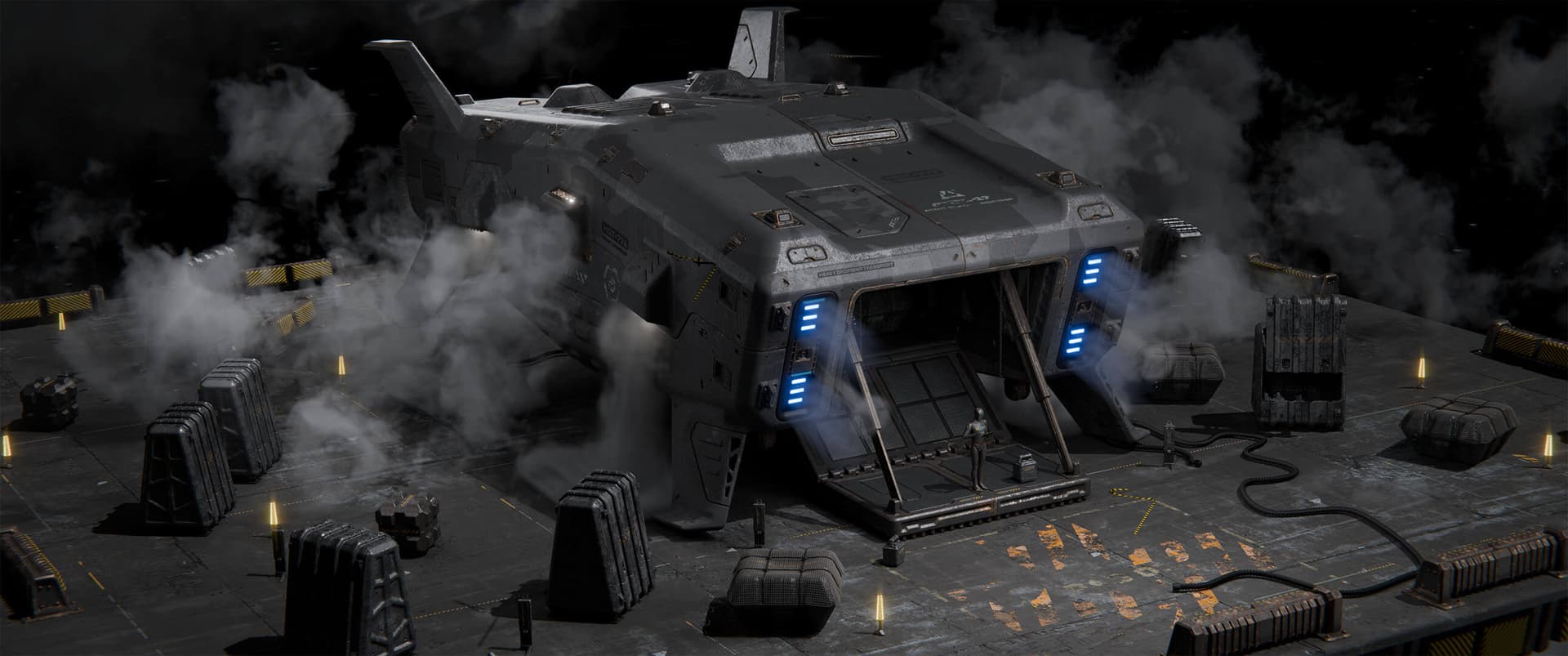
Artwork by instructor Ivan Santic | MOTH3R®
Course Lesson Plan
Here's the low-down on everything covered in this course.
- 28 hoursTotal Bundle Duration
- 266 VideosVideo Lectures in Bundle
- 2.05 GB of FilesDownloadable Project Files
Tools Used ?The tools listed below are used throughout the lectures of this course. Using alternatives is definitely possible depending on your proficiency, but we can only recommend using these listed softwares.
- Fusion
- Blender
Lesson 1
Design Fundamentals
In this lesson Ivan will take you through the core essentials of design, breaks down his personal ideation process and shows how his ideas translate into real results in 3D.
- 1 hour 47 minutesTotal Lesson Duration
- 27 VideosVideo Lectures in this Lesson
- Project FilesDownloadable Project Files
Guidance
Introduction
Basics of Design
Ideation
Ivan's Project
Course Project Preview
Conclusion
Lesson 2
Full Course: Fusion Basics
Ivan’s entire beginner-friendly Fusion Basics course is included for free, for purchasers of Concept Design in Fusion. It’s included as the second lesson, so students can learn the fundamentals before beginning their projects.
- 6 hours 12 minutesTotal Lesson Duration
- 97 VideosVideo Lectures in this Lesson
- Project FilesDownloadable Project Files
Guidance
Lesson 1: Absolute Basics - Introduction
Further Resources
UI and Navigation
Primitive Object Creation
Basic Object Design Challenge
Lesson 2: Constraints - Introduction
Design Types
Useful Functions
Setting Constraints
Constraints Challenge
Lesson 3: Parametric Modeling - Introduction
Using Parameters
Parametric Design Challenge
Lesson 4: Precision Sketching - Introduction
Advanced Sketch Options
Precision Operations
Essentials of Design
Lesson 5: Joints and Rigging - Introduction
Intro to Joints
Types of Joints
Joints Challenge
Lesson 6: Full Object Design - Introduction
Initial Modeling
Small Detail Ideas
Opening Mechanism
Crate Finishing Touches
Rendering
Conclusion
Lesson 3
Initial Modeling
In this lesson you’ll begin blocking out your hero asset, adding in the largest and most important shapes to give it personality.
- 1 hour 38 minutesTotal Lesson Duration
- 15 VideosVideo Lectures in this Lesson
Guidance
Introduction
Blockout
Adding Personality
Reflectors
Fins
Conclusion
Lesson 4
Large Scale Pieces
Now you will add in any remaining large elements needed for your design, detailing as you go.
- 1 hour 54 minutesTotal Lesson Duration
- 18 VideosVideo Lectures in this Lesson
Guidance
Introduction
Engines
Side Thrusters
Hangar Area
Conclusion
Lesson 5
Building an Asset Library
In this lesson you will build a library of kitbash assets, which will be added to your main hero asset later in the assembly stage.
- 3 hours 9 minutesTotal Lesson Duration
- 24 VideosVideo Lectures in this Lesson
- Project FilesDownloadable Project Files
Guidance
Introduction
Bolts and Screws
Stamp Insets
Windows
Vents
Procedural Grill
Handles
Light Reflectors
Radar Dish
Conclusion
Lesson 6
Assembly
Now it’s time to take all the assets created in the previous lesson and apply them to your main hero asset, layering in detail as you go.
- 3 hoursTotal Lesson Duration
- 20 VideosVideo Lectures in this Lesson
- Project FilesDownloadable Project Files
Guidance
Introduction
Initial Organization
Initial Assembly
Adding Detail
Panels
Mid-Assembly Cleanup
Assembly Final Touches
Rigging
Conclusion
Lesson 7
Prepping Assets
In this lesson you will bring your exported hero asset into Blender, or whatever software you prefer. You will conform each piece as it comes in, and set up basic materials.
- 2 hours 3 minutesTotal Lesson Duration
- 14 VideosVideo Lectures in this Lesson
Guidance
Introduction
Initial Blender Setup
Bringing in the Hero Asset
Basic Materials
Supporting Props
Basic Scene Setup
Conclusion
Lesson 8
Materials
Now you will focus on dialing in materials for your hero asset, supporting props and any other elements of the scene.
- 4 hours 41 minutesTotal Lesson Duration
- 27 VideosVideo Lectures in this Lesson
- Project FilesDownloadable Project Files
Guidance
Introduction
Initial Materials Pass
Tweaking Materials
Additional Pieces
Custom Decal Creation
Applying Decals
Conclusion
Lesson 9
Effects and Rendering
Now it’s time to bring everything together. You will add in final effects into the scene, making any last-minute changes necessary. Finally, you will render out finished shots showcasing your design.
- 3 hours 31 minutesTotal Lesson Duration
- 24 VideosVideo Lectures in this Lesson
- Project FilesDownloadable Project Files
Guidance
Introduction
Modeling Set Dressing Elements
Lighting Effects
Final Preparations
Preparing More Shots
Photoshop Tweaks
Conclusion
Homework can be cool.
Check out some of the amazing work Concept Design in Fusion students have created by doing their homework.
Our students have awesome jobs.
Join a devoted community of over 20,000 students from around the world.