Watch Free Preview
Free Preview
Lesson 1
Absolute Basics
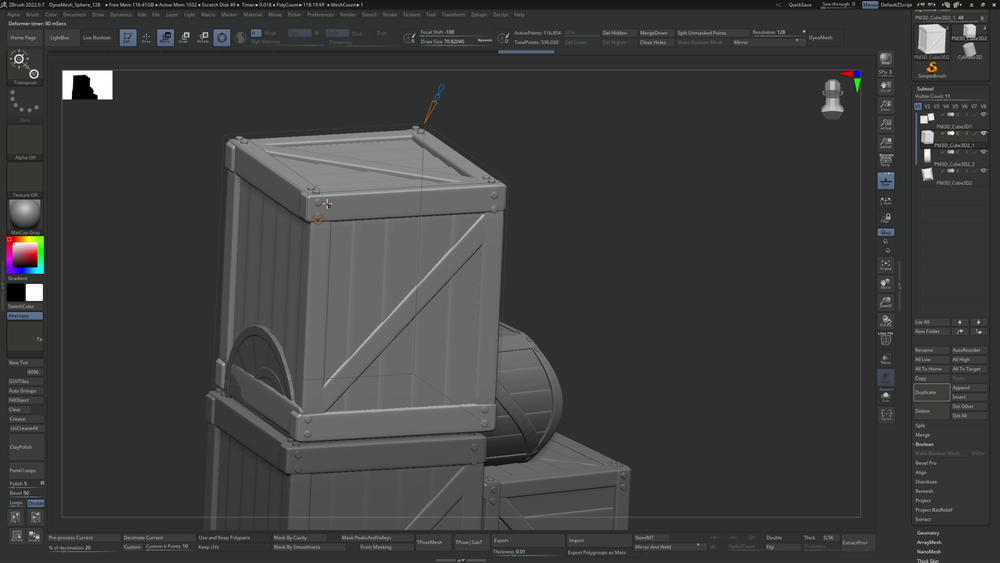
In this lesson, you will learn the most essential elements of ZBrush, like the interface, movement and basic manipulation.
- 1h 30m
- 16 Free Videos
- Project Files
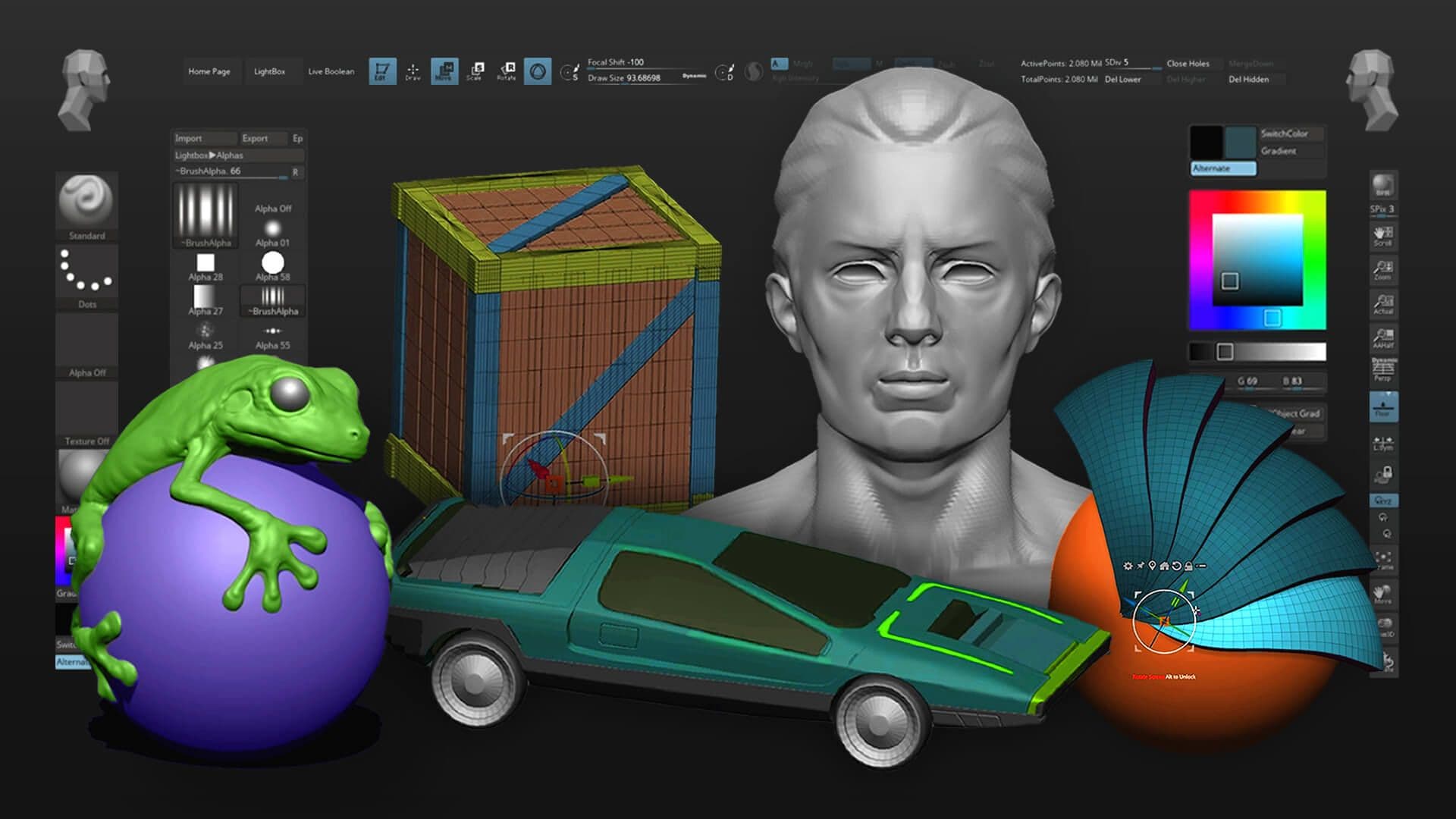
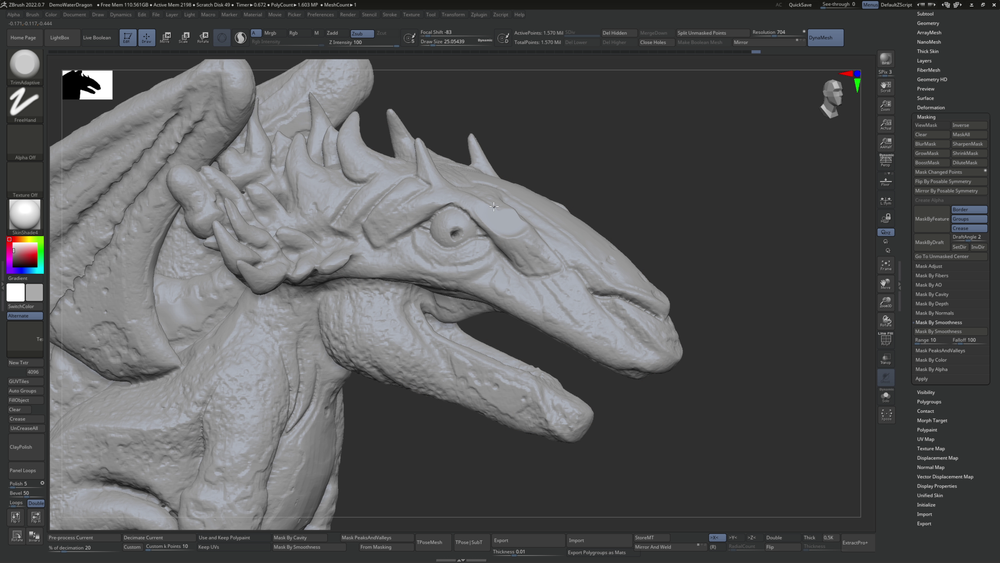
Learn ZBrush from the ground up with an accessible intro to tools, interface, and sculpting basics. Build skills through guided exercises and bite-sized projects that help you quickly create confident, beginner-friendly sculpts.
$30
Embark on your journey into 3D art by learning the basics of ZBrush from one of the industry's leading concept artists, Pablo Dominguez. Designed for absolute beginners, this course covers the essentials of ZBrush's interface, tools, and sculpting processes, making it accessible and engaging to achieve any artist goals you may have. With interactive challenges and homework assignments built to reinforce your learning, this course will guide you to create bite-sized projects using your newly acquired skills. As an added value, purchasing Pablo's Environment Concept Art course grants you FREE access to this ZBrush Basics course.
After signing up for our courses, many of our students have broken into the industry, leveled up their skills, and got hired for their dream jobs. With over 20,000 students from around the world, you'll be in good company.
Not sure which course is for you? As a member of Learn Squared, you'll get free access to the first lesson of every course to try before you're ready to buy. Sign up now to get instant access and start learning today.
A guided path through every stage of the course, broken down into focused lessons you can work through at your own pace.
Lesson 1
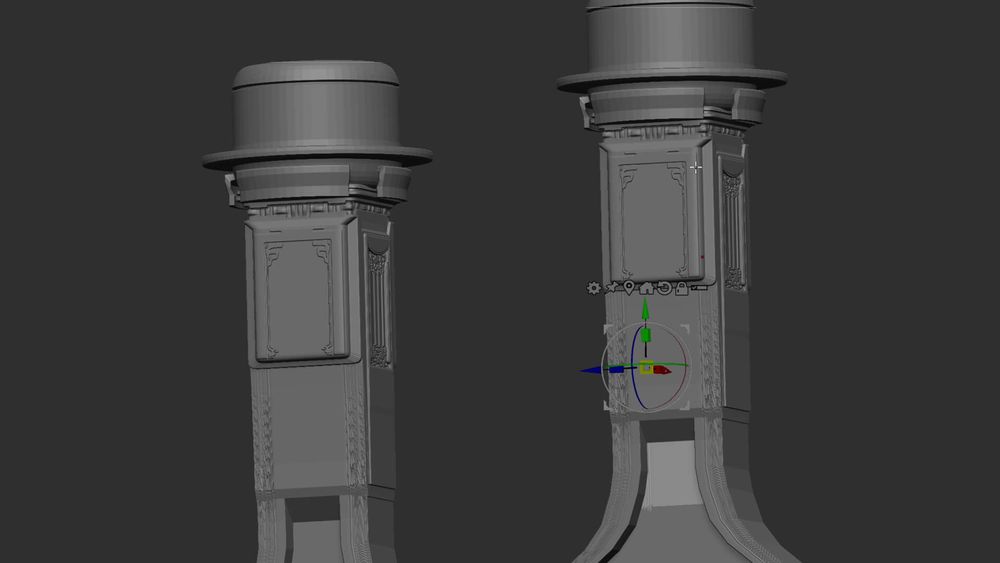
In this lesson, you will learn the most essential elements of ZBrush, like the interface, movement and basic manipulation.
Lesson 2
In this lesson, you'll learn how to use masking to create compelling sculpts, as well as some useful features that will help to manage your details.
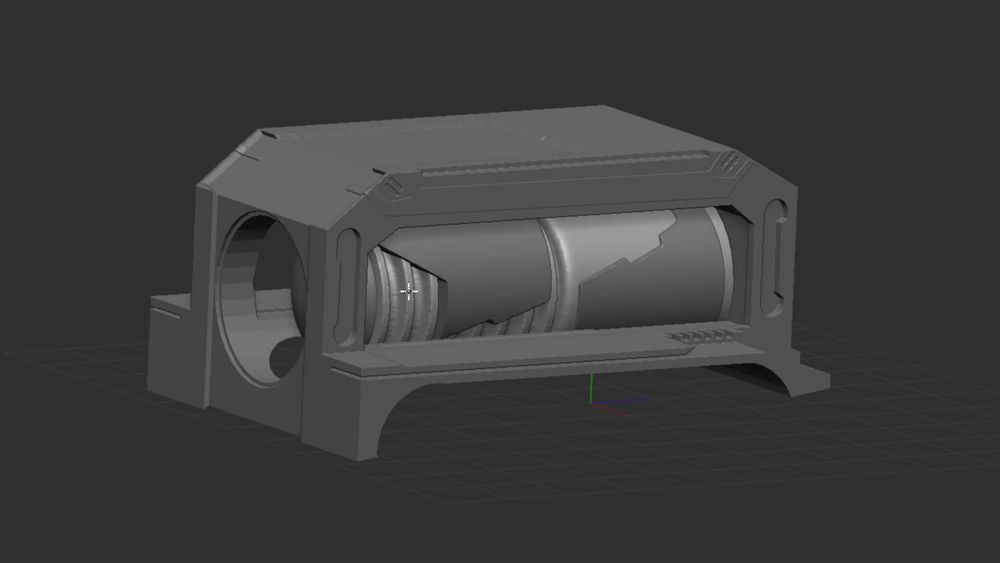
Lesson 3
This lesson will focus primarily on booleans and the knife tool: two of Pablo's favorite tools when creating detailed ZBrush sculpts.
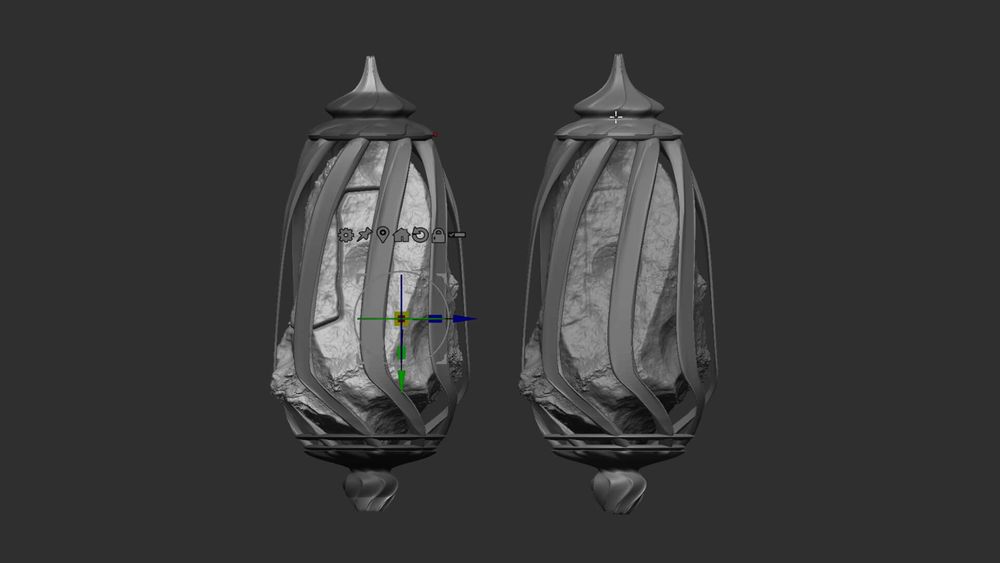
Lesson 4
In this lesson, you'll learn techniques to add and control different kinds of micro and macro details on your sculpt.
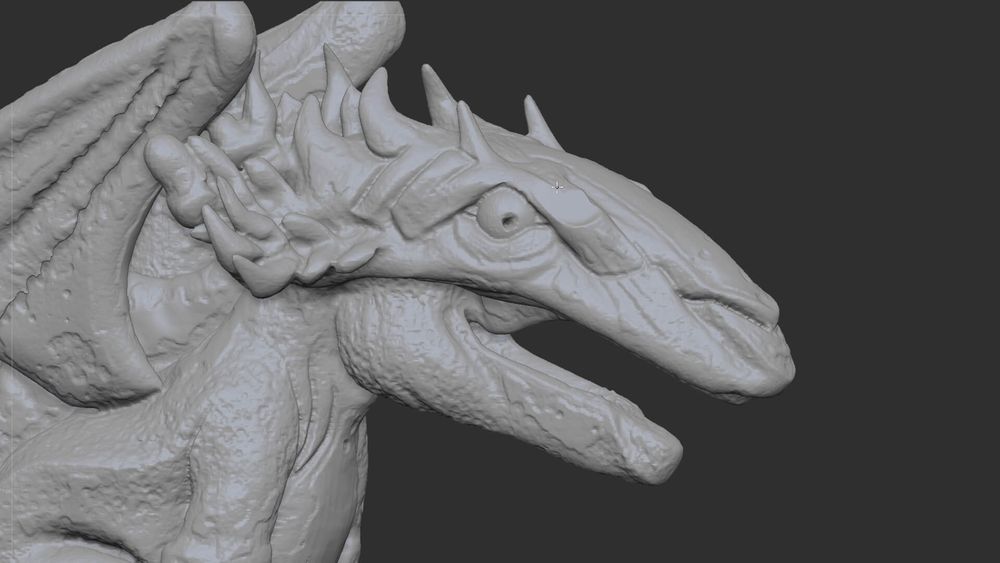
Lesson 5
In this lesson, you'll learn how to use brushes to create details on your sculpt, as well as how to utilize the extract tool for quick creations.
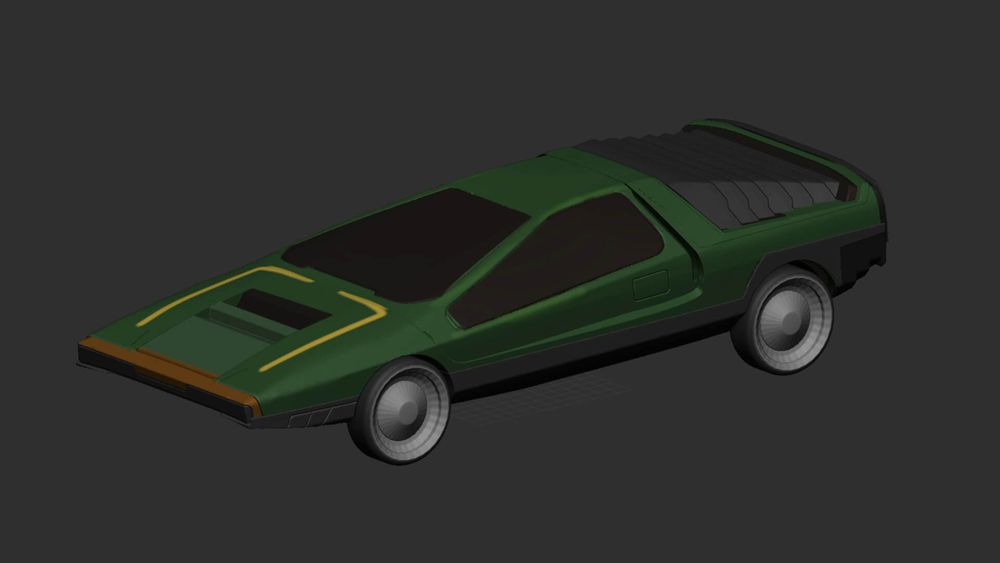
Lesson 6
Now that you've learned the necessary ZBrush tools, Pablo will take you through sculpting workflows that are closer to the way you might work on a real project.
Lesson 7
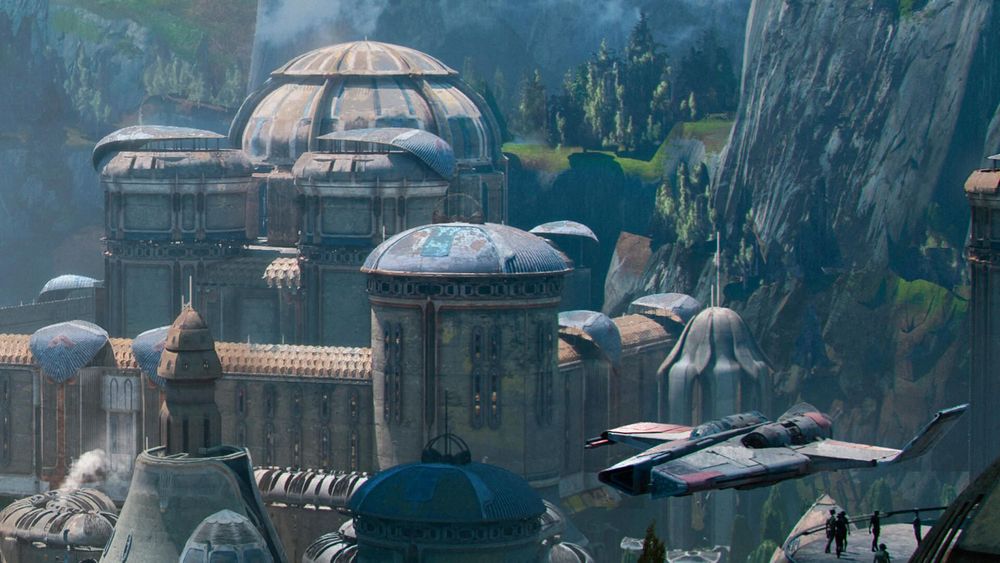
In this Lesson, Pablo will guide you through various ZBrush resources for further learning.
Pablo Dominguez is a visionary concept artist known for his exceptional talent in creating immersive environments, detailed characters, and awe-inspiring keyframes. His expertise in ZBrush and Photoshop has contributed to iconic projects like 'The Lord of the Rings: The Rings of Power' and 'Star Wars: Obi Wan Kenobi'. Renowned for his innovative techniques, Pablo has created multiple courses on Learn Squared to share his knowledge with students from around the world.
No rush. Not like there's any competition out there.
Free
Instant access to portions of this course and dozens of others
No credit card required
No expiration
Limited access
$30
Get in touch for more information about discounts for teams, both big and small. Big savings either way.
tons of workflow crap and programs i would have never thought of trying.... PEEP DATTT!!!1
Designer
My career as a concept artist started after taking these courses. Much of what I learned I applied to my portfolio and in a couple months ... I got my first job.

Concept Artist & Illustrator
Learn Squared gives me the freedom and flexibility to learn from the best in the industry at my own pace.
Freelance Concept Artist
Join a devoted community of over 20,000 students from around the world.
Here's a full list of all the videos in this course.
In this lesson, you will learn the most essential elements of ZBrush, like the interface, movement and basic manipulation.
In this lesson, you'll learn how to use masking to create compelling sculpts, as well as some useful features that will help to manage your details.
This lesson will focus primarily on booleans and the knife tool: two of Pablo's favorite tools when creating detailed ZBrush sculpts.
In this lesson, you'll learn techniques to add and control different kinds of micro and macro details on your sculpt.
In this lesson, you'll learn how to use brushes to create details on your sculpt, as well as how to utilize the extract tool for quick creations.
Now that you've learned the necessary ZBrush tools, Pablo will take you through sculpting workflows that are closer to the way you might work on a real project.
In this Lesson, Pablo will guide you through various ZBrush resources for further learning.
Check out some of the amazing work ZBrush Basics students have created by doing their homework.