


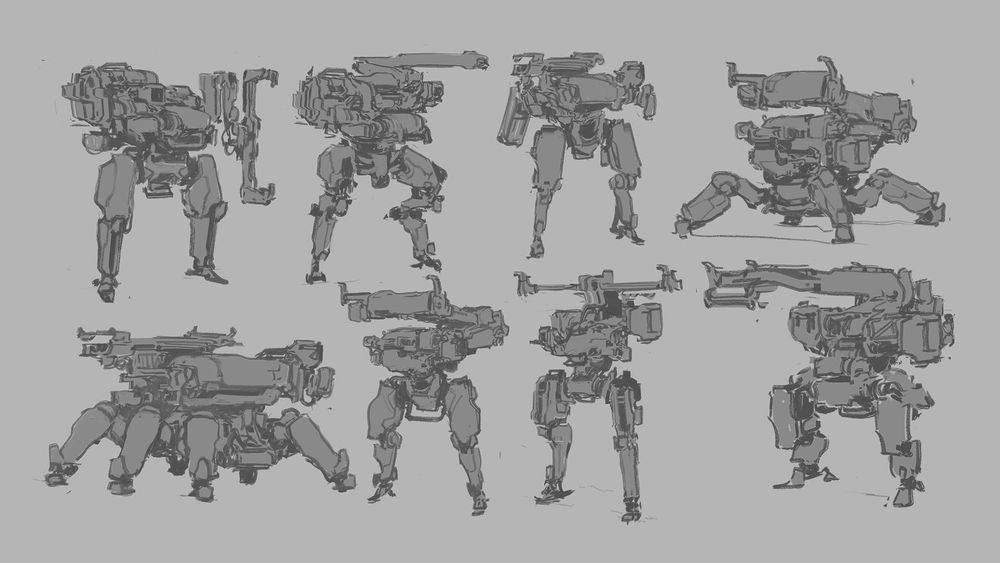
Mech Design background
Mech Design with Gavin Manners
  • Blender
  • Adobe Photoshop
Log In to Add to Wishlist

Mech Design

Gavin Manners

Design your own mechs with concept artist Gavin Manners. Learn mech theory, sketching, 3D modeling, Photoshop paintover, and presentation techniques to create grounded, functional, portfolio-ready mech designs.

Intermediate14h 54m119 Videos
-40%

$149

$89

Lifetime Access

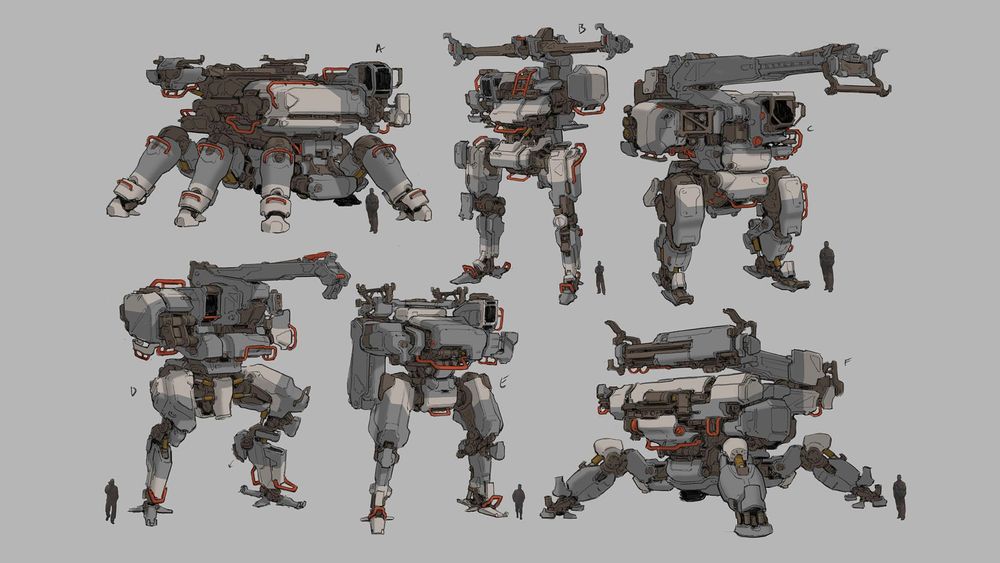
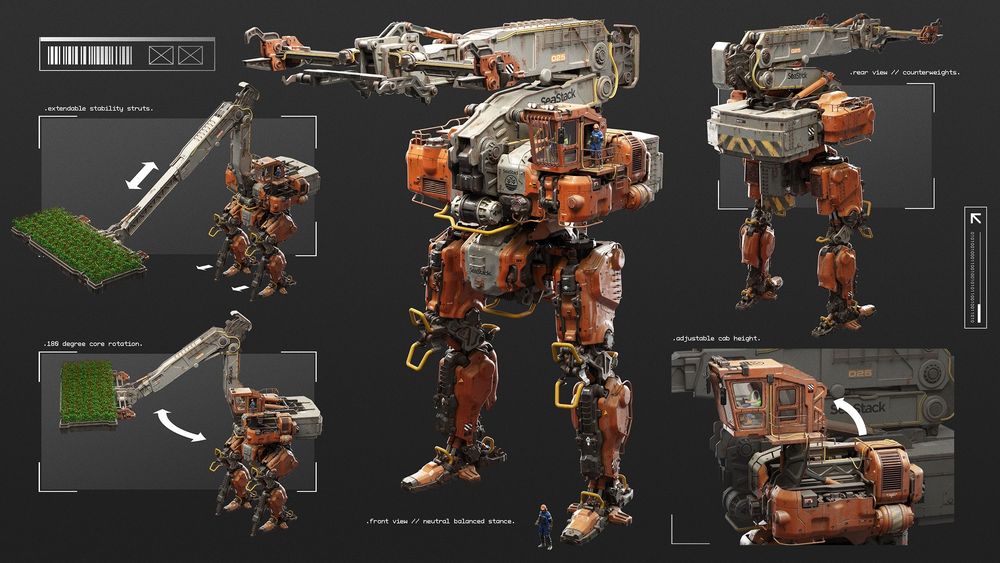
Artwork by instructor Gavin Manners

Go ahead, mech your day.

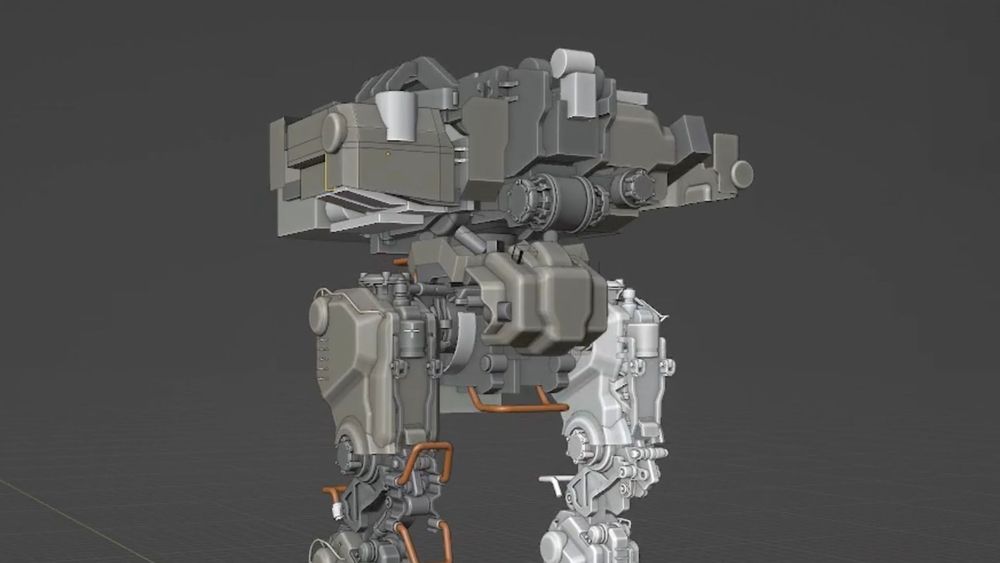
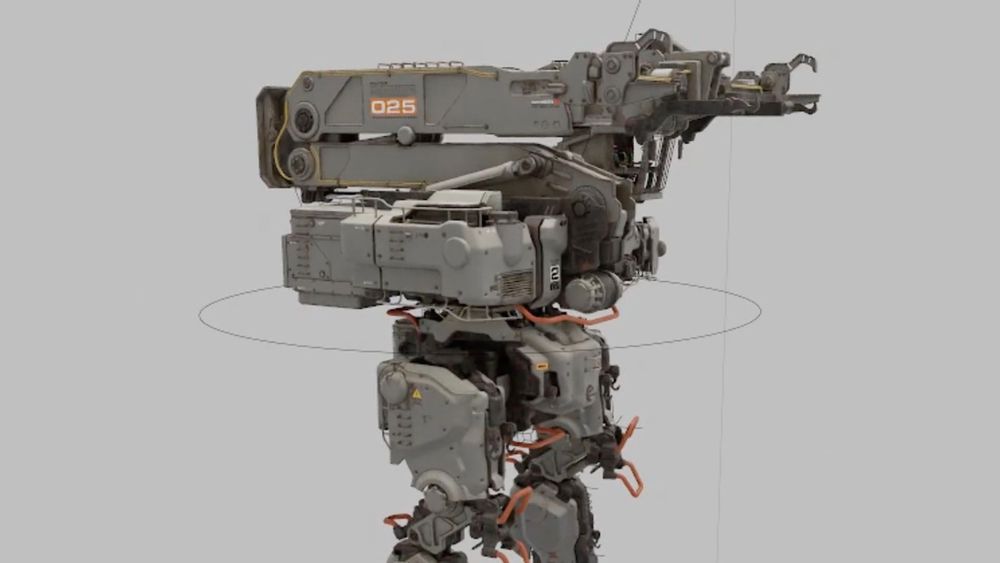
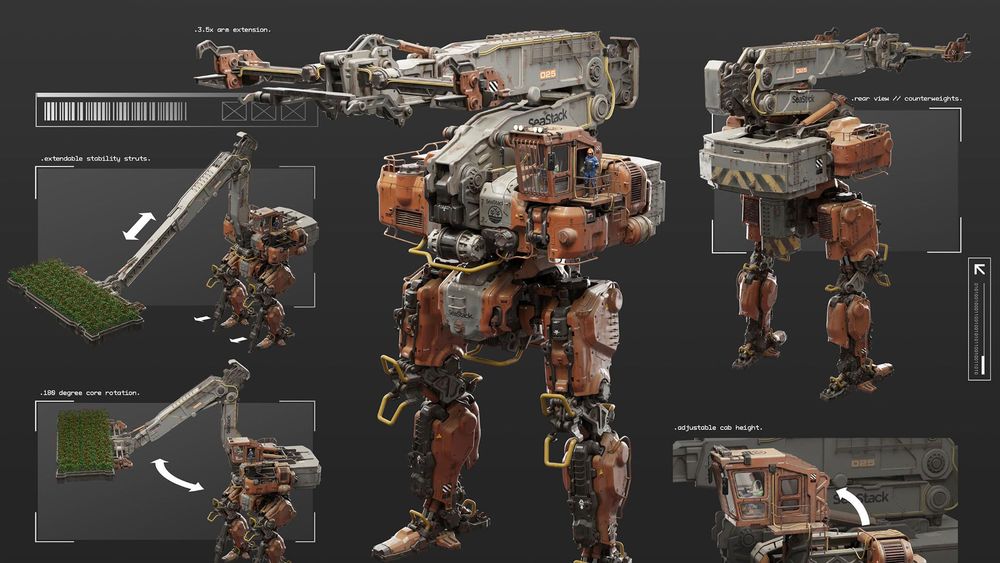
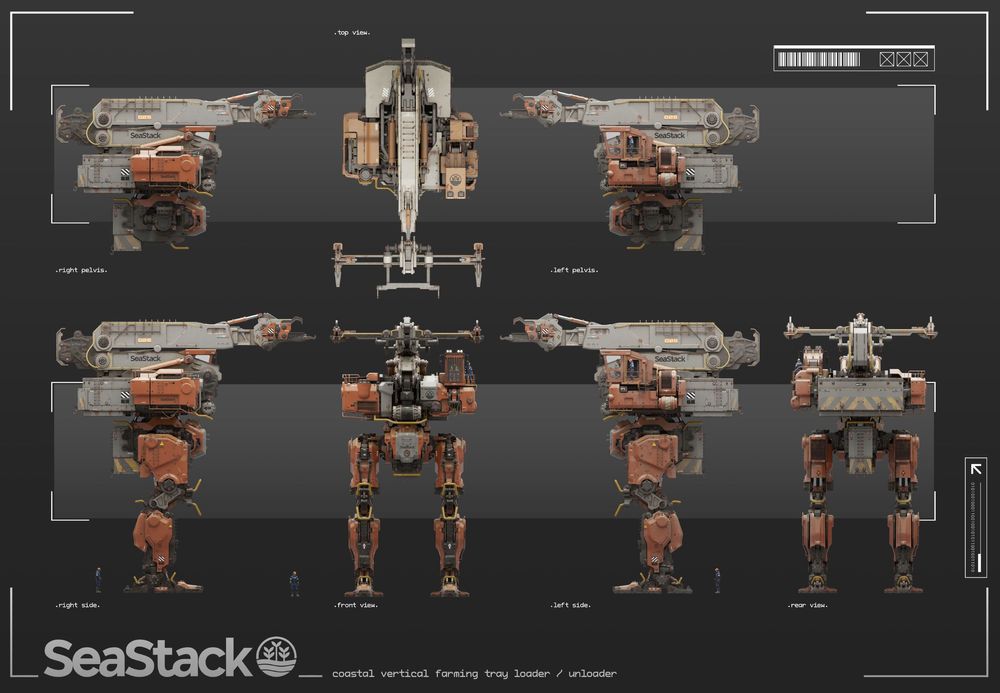
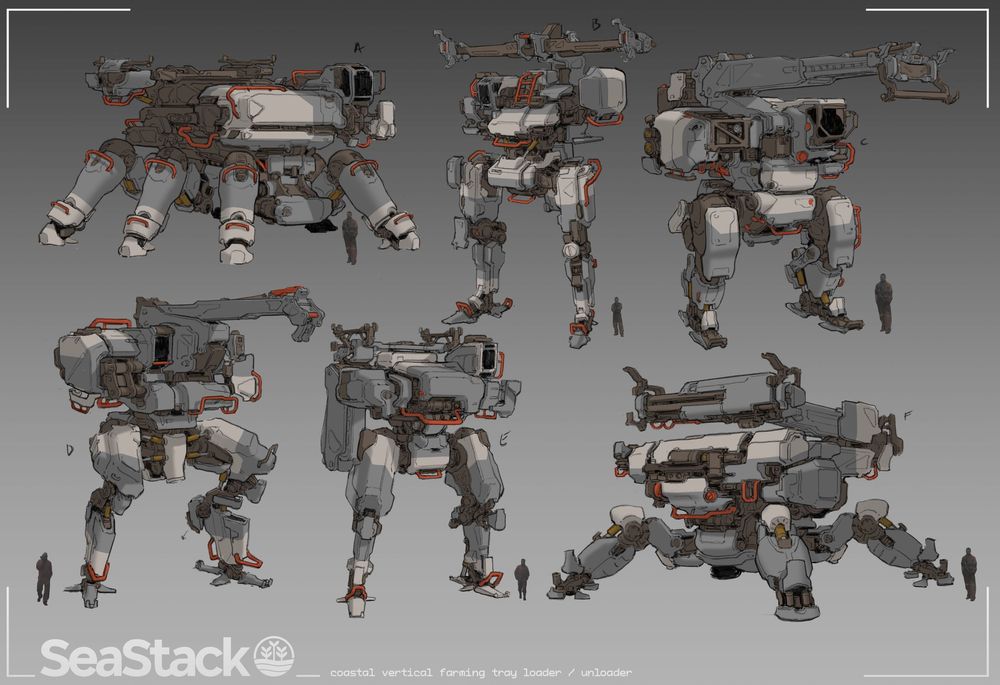
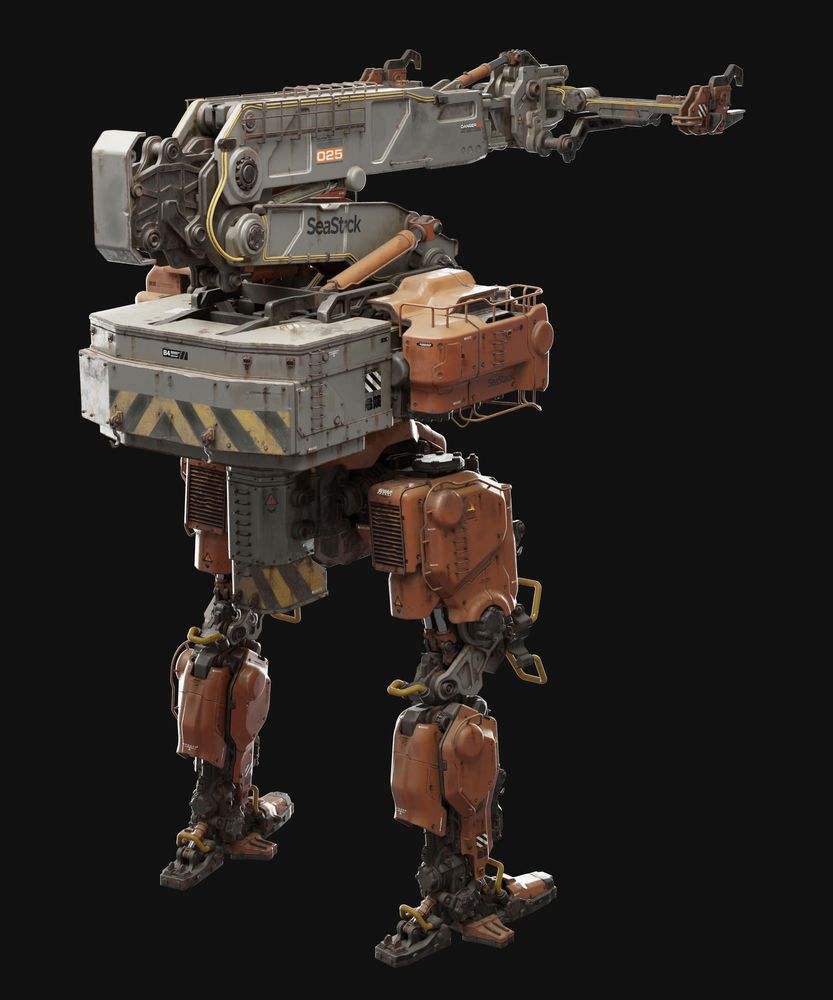
Design your own mechs with weight, purpose and personality alongside concept artist Gavin Manners. You’ll begin with theory and real-world reference, defining your machine’s function, scale, and mechanical logic before moving into sketching and modular concept exploration. From there, you’ll build the design in 3D using simple forms, and finally paint over the renders in Photoshop. This course will teach you to create mechs that feel functional, grounded, and ready to step into. By the end you’ll have an entire series of portfolio-ready images of your design.

Learn More

Artwork by instructor Gavin Manners

Our students are badasses.

After signing up for our courses, many of our students have broken into the industry, leveled up their skills, and got hired for their dream jobs. With over 20,000 students from around the world, you'll be in good company.

Explore student work

Artwork by instructor Gavin Manners

Start learning for free.

Not sure which course is for you? As a member of Learn Squared, you'll get free access to the first lesson of every course to try before you're ready to buy. Sign up now to get instant access and start learning today.

Start your journey

What you'll learn

A guided path through every stage of the course, broken down into focused lessons you can work through at your own pace.

Meet your instructor

Gavin Manners

Gavin Manners is a principal concept artist at id Software known for his intricate, highly believable mech designs. His work combines the visual appeal of science fiction with the logic of real-world machinery, creating giant machines that feel heavy, functional, and grounded in practical engineering. With a strong eye for silhouette, mechanical detail, and purposeful design, Gavin builds mechs that go beyond cool shapes, giving each machine a clear sense of scale, structure, and purpose.

Sign up any time

No rush. Not like there's any competition out there.

  • Try it.

    Free

    • Instant access to portions of this course and dozens of others

    • No credit card required

    • No expiration

    • Limited access

  • Buy it.

    -40%

    $149

    $89

    • Instant access to this Course
      Once you've signed up for this Course, you'll have unlimited access to it as long as you have an account!
    • 14 Hours of lectures
      This includes all of the premium training which is included as a part of this course.
    • Download project files
      Download all of the materials created for this course, so you can poke around in the source files, or follow along with the instructor.
    • Exclusive community
      When you become a student, you get instant access to our exclusive Discord channel, where you can chat with thousands of other Learn Squared students.
    • Lifetime access
      As a member of this course, you will be able to access and view its content any time.
  • For teams.

    Get in touch for more information about discounts for teams, both big and small. Big savings either way.

tons of workflow crap and programs i would have never thought of trying.... PEEP DATTT!!!1

beeple

Designer

My career as a concept artist started after taking these courses. Much of what I learned I applied to my portfolio and in a couple months ... I got my first job.

Elias Ravanetti

Concept Artist & Illustrator

Learn Squared gives me the freedom and flexibility to learn from the best in the industry at my own pace.

David Tilton

Freelance Concept Artist

Our students have awesome jobs.

Join a devoted community of over 20,000 students from around the world.

Course Lesson Plan

Here's a full list of all the videos in this course.

  • 14 hours 54 minutes
    Total Bundle Duration
  • 119 Videos
    Video Lectures in Bundle
  • 3.46 GB of Files
    Downloadable Project Files

Tools Used
?
The tools listed below are used throughout the lectures of this course. Using alternatives is definitely possible depending on your proficiency, but we can only recommend using these listed softwares.

  • Blender
  • Adobe Photoshop

Homework can be cool.

Check out some of the amazing work Mech Design students have created by doing their homework.

There's no homework yet

Any commited homework will be visible here