Lesson 1
Plan and Sketch
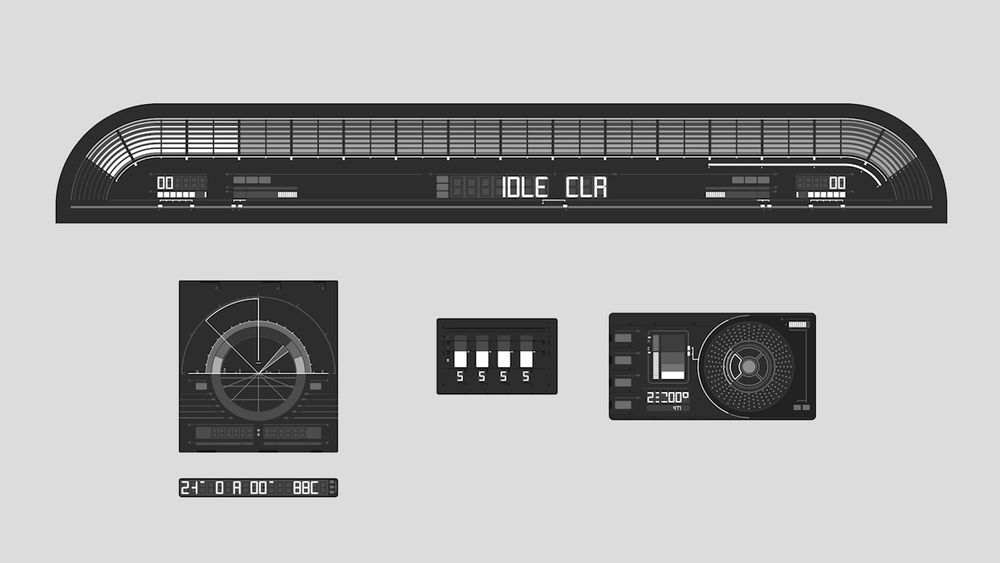
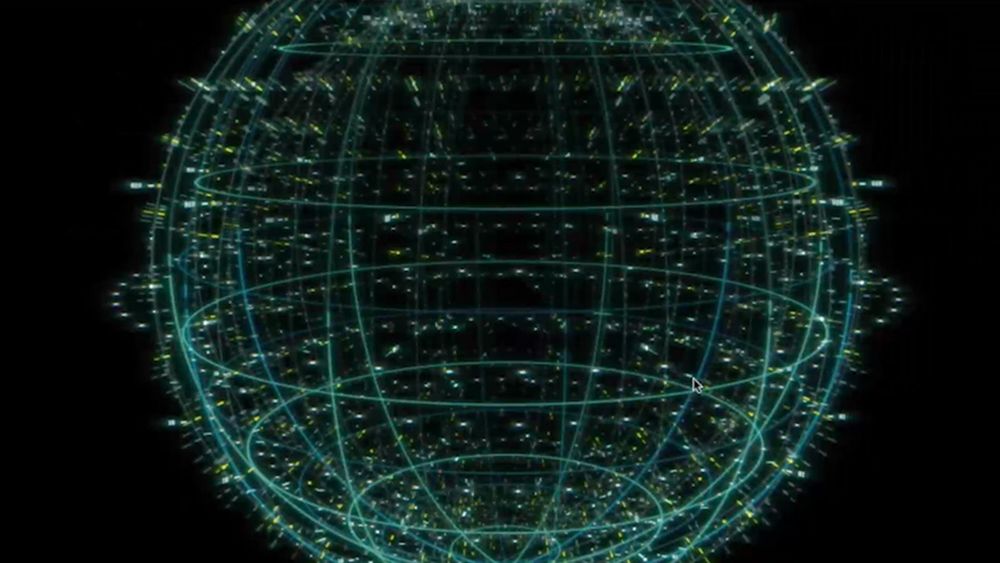
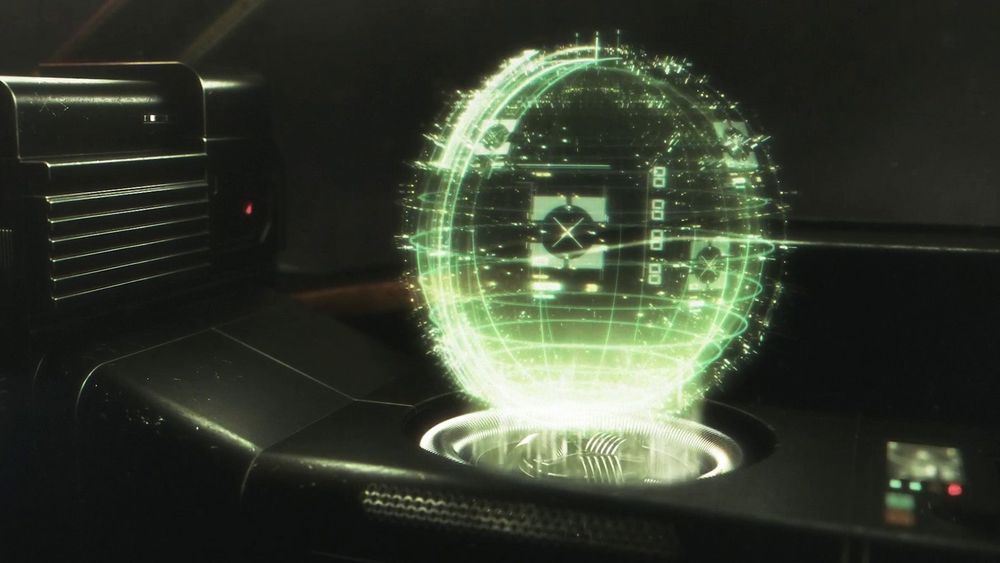
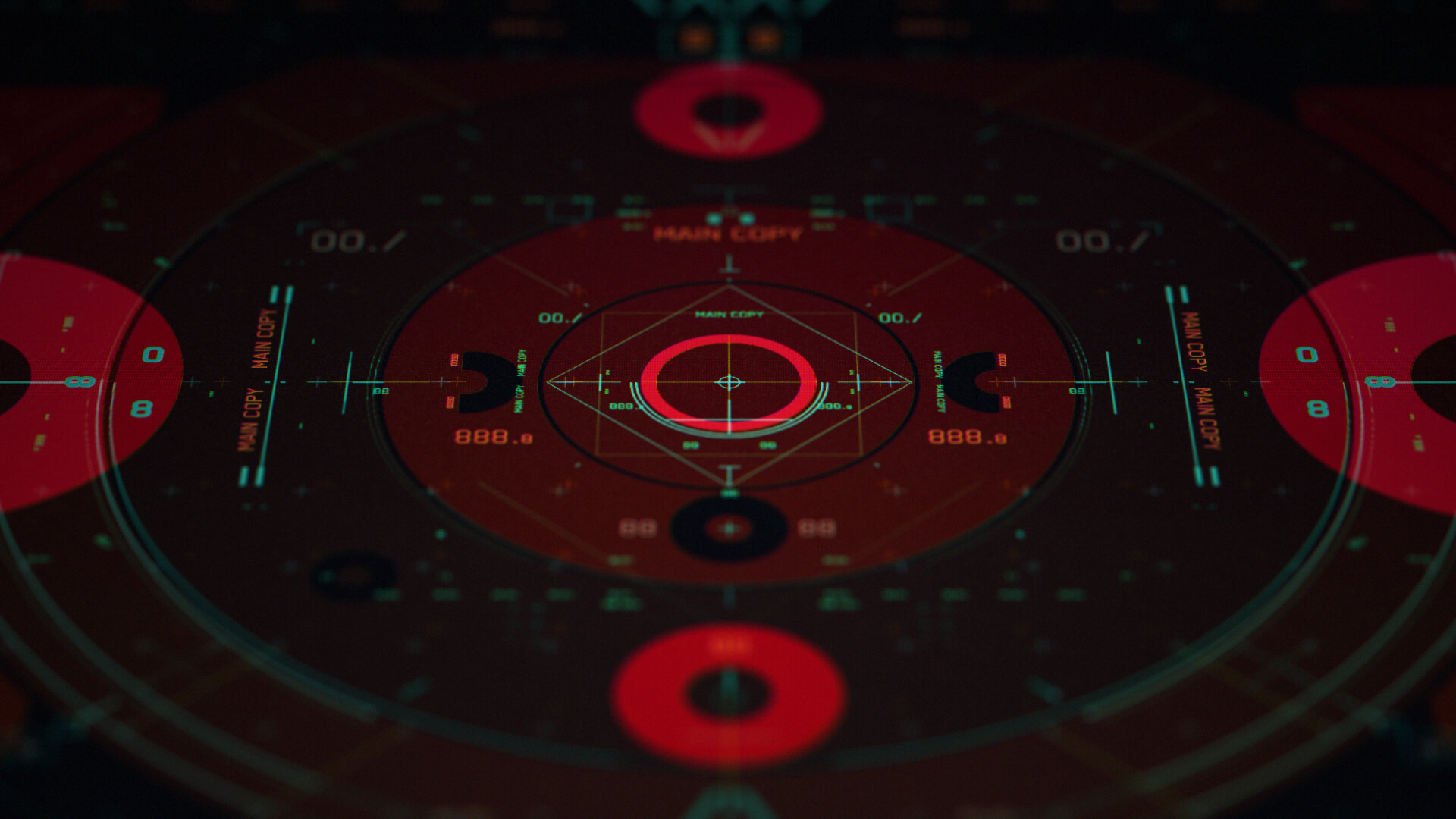
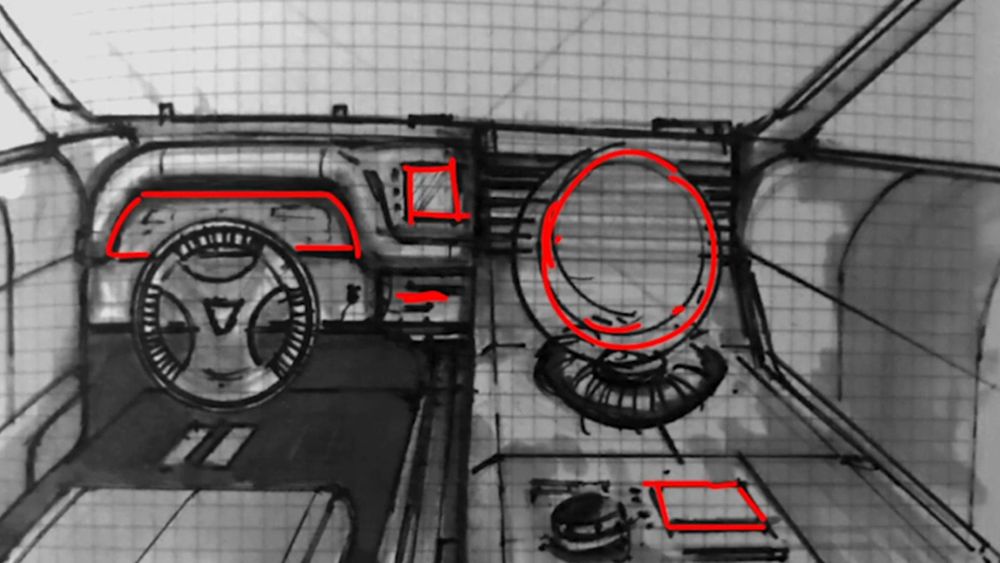
In this lesson, Kris will go over the basics of interface design and help you build your own project concept. You'll finish the lesson by creating your first rough planning sketches.
- 1 hour
- 19 Free Videos
- Project Files
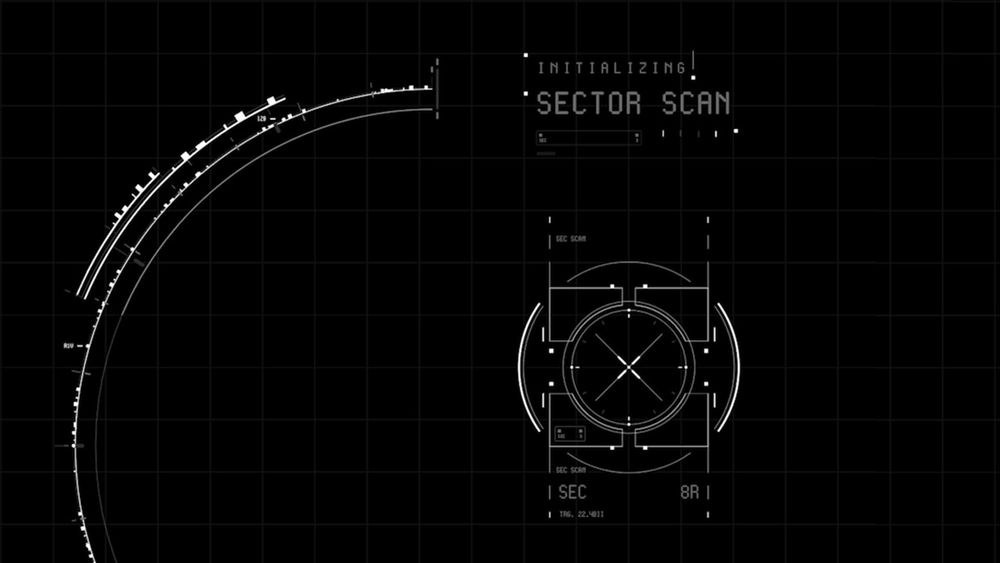
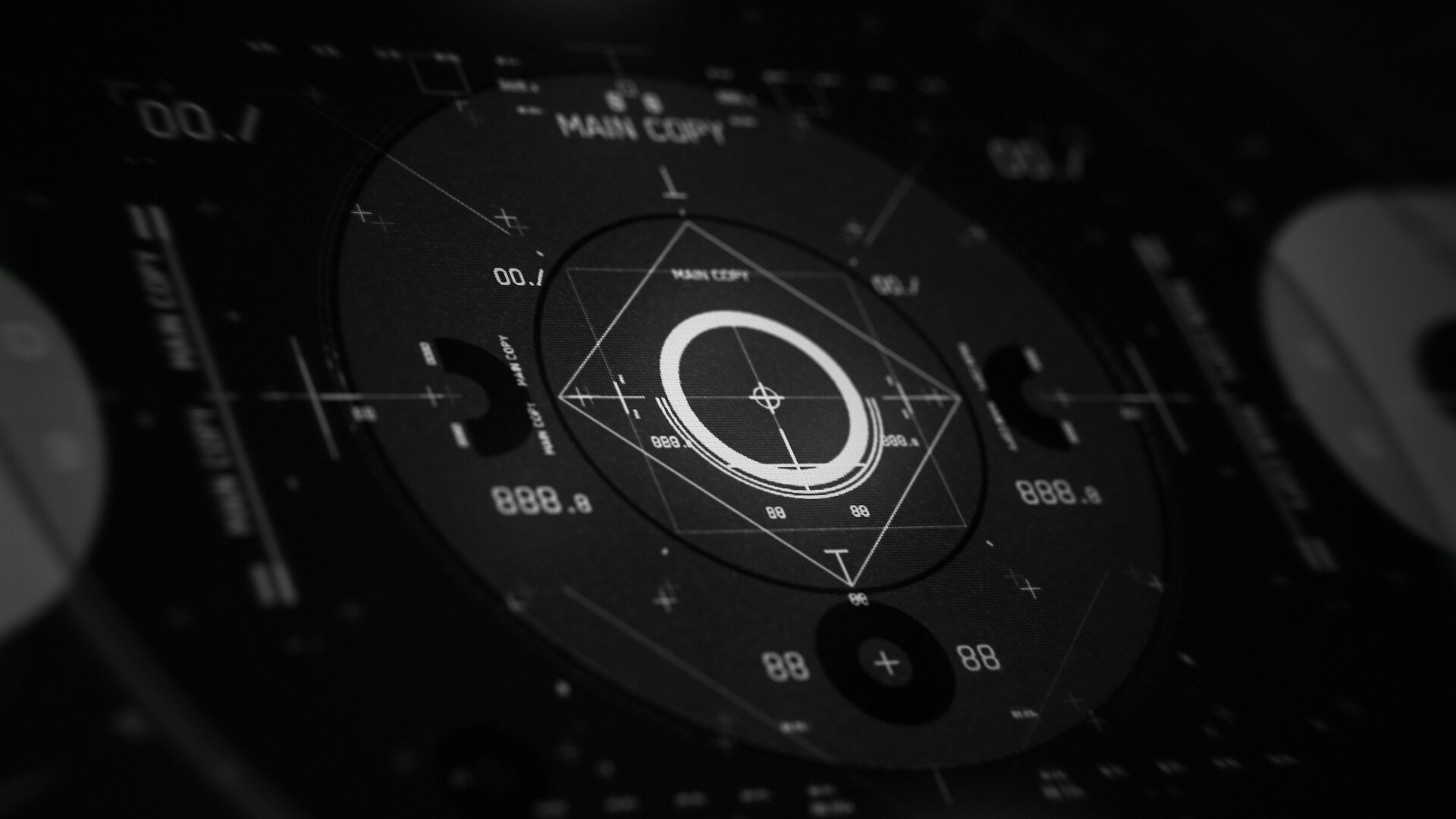
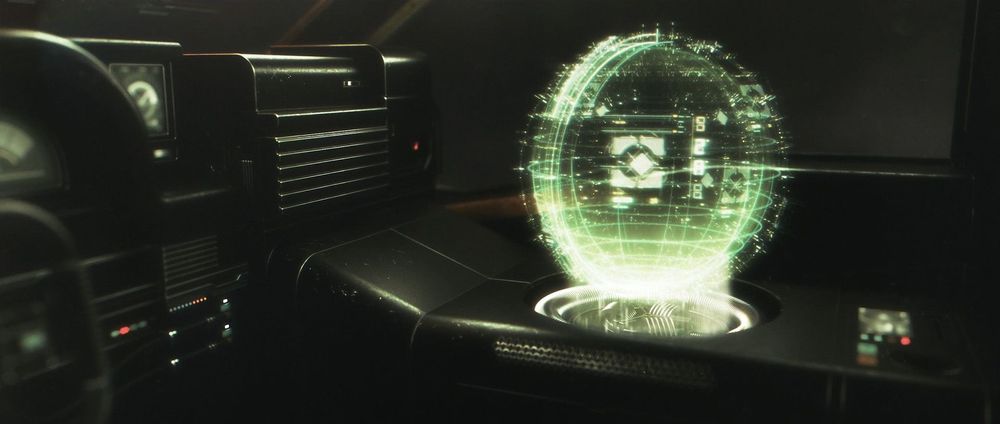
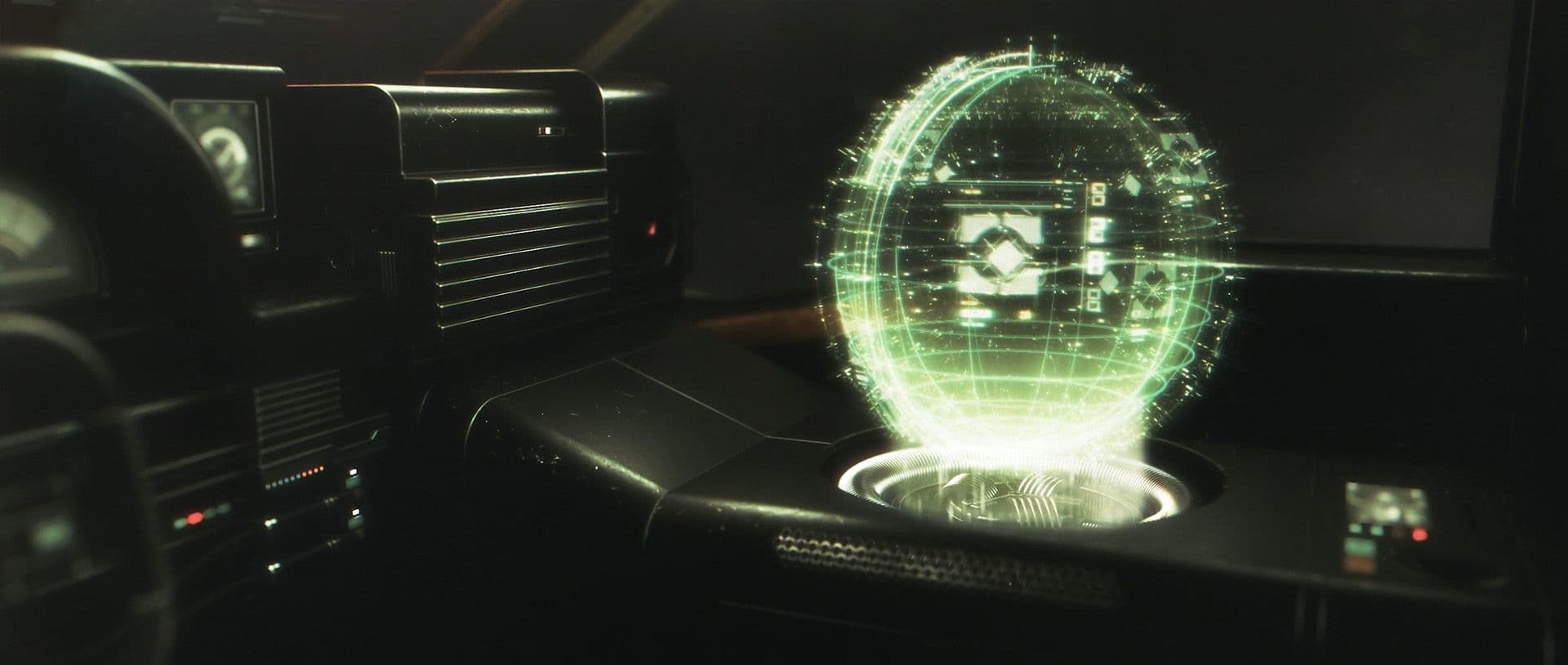
Learn to design and animate incredible, film-ready UI for your next project with Kris Brady's comprehensive new course. Master the art of creating stunning interfaces that seamlessly integrate into any film project, and take your design skills to the next level.
$99
Learn to design and animate incredible, film-ready UI for your next project with Kris Brady's comprehensive new course. With 20 years of industry experience, Kris guides you through every stage of the process, from rough sketches to full-on animation and compositing, using techniques from high-budget film productions. Master the art of creating stunning interfaces that seamlessly integrate into any film project, and take your design skills to the next level.
After signing up for our courses, many of our students have broken into the industry, leveled up their skills, and got hired for their dream jobs. With over 20,000 students from around the world, you'll be in good company.
Not sure which course is for you? As a member of Learn Squared, you'll get free access to the first lesson of every course to try before you're ready to buy. Sign up now to get instant access and start learning today.
A guided path through every stage of the course, broken down into focused lessons you can work through at your own pace.
Lesson 1
In this lesson, Kris will go over the basics of interface design and help you build your own project concept. You'll finish the lesson by creating your first rough planning sketches.
Lesson 2
In this lesson you'll focus on designing the most prominent interface element in your project. You'll first build on your earlier rough designs to create a set of refined sketches. Then you'll turn those into detailed, animation-ready designs in Illustrator.
Lesson 3
This lesson will cover the process of designing the various supporting elements for your project. These designs will range in style, function and prominence within the scene.
Lesson 4
Now that you've designed your main and supporting interfaces, it's time to bring them to life. In this lesson, you will start animating and adding basic complexity to your design.
Lesson 5
In this lesson, you will finish the animated section you've been working on, and can repeat the process until your entire project is complete. You'll also get an extended look at Kris' work on his own project after the events of the course!
Kris Brady is a veteran UI designer with over 20 years of experience in Hollywood films and AAA games. Renowned for his ability to create visually stunning, film-ready interfaces, Kris has worked on numerous high-profile projects. His comprehensive approach to UI design and animation integrates storytelling and technical expertise, and through his course, you'll learn a multitude of industry techniques, empowering you to elevate your skills and create film-ready interfaces.
No rush. Not like there's any competition out there.
Free
Instant access to portions of this course and dozens of others
No credit card required
No expiration
Limited access
$99
Get in touch for more information about discounts for teams, both big and small. Big savings either way.
Buy Mastering Film UI, HUD Design, and HUD Animation together in a bundle to learn the entire pipeline and save an additional 20% during checkout. Three courses for a low price. You have no more excuses!
tons of workflow crap and programs i would have never thought of trying.... PEEP DATTT!!!1
Designer
My career as a concept artist started after taking these courses. Much of what I learned I applied to my portfolio and in a couple months ... I got my first job.
Concept Artist & Illustrator
Learn Squared gives me the freedom and flexibility to learn from the best in the industry at my own pace.
Freelance Concept Artist
Join a devoted community of over 20,000 students from around the world.
Here's a full list of all the videos in this course.
In this lesson, Kris will go over the basics of interface design and help you build your own project concept. You'll finish the lesson by creating your first rough planning sketches.
In this lesson you'll focus on designing the most prominent interface element in your project. You'll first build on your earlier rough designs to create a set of refined sketches. Then you'll turn those into detailed, animation-ready designs in Illustrator.
This lesson will cover the process of designing the various supporting elements for your project. These designs will range in style, function and prominence within the scene.
Now that you've designed your main and supporting interfaces, it's time to bring them to life. In this lesson, you will start animating and adding basic complexity to your design.
In this lesson, you will finish the animated section you've been working on, and can repeat the process until your entire project is complete. You'll also get an extended look at Kris' work on his own project after the events of the course!
Check out some of the amazing work Mastering Film UI students have created by doing their homework.