
Day 3: Paintover
Lesson 4 of 4 Interior Concept Design: On a Deadline
Take your renders and create final paintovers for presentation.
Hero Shot Paintover Homework
It's time to do the final paintover for your hero image. First, spend 5-10 minutes planning your paintover. As you work, make sure to focus on the most important elements first, and work downwards from there.
When planning your day, don't put aside time for a second paintover yet. You should put all your effort into making the hero shot look great, and only do a second shot if there is time remaining. It's better to have one fantastic looking shot, rather than two that look rushed!
If you do have time for a second shot, that will occur in the next homework.
Final Presentation Homework
If you have time remaining before your deadline, try creating a second shot to show off your space in a new way.
No matter how many shots you create, make sure to create an annotated version of one of your images to explain your response to the brief. Then compile everything you've created and prepare it for a final presentation.
We hope this Session has helped you stick to deadlines more effectively, whether you're a professional, or just want to finish more personal work. Thank you for being a Learn Squared student!
Student Homework
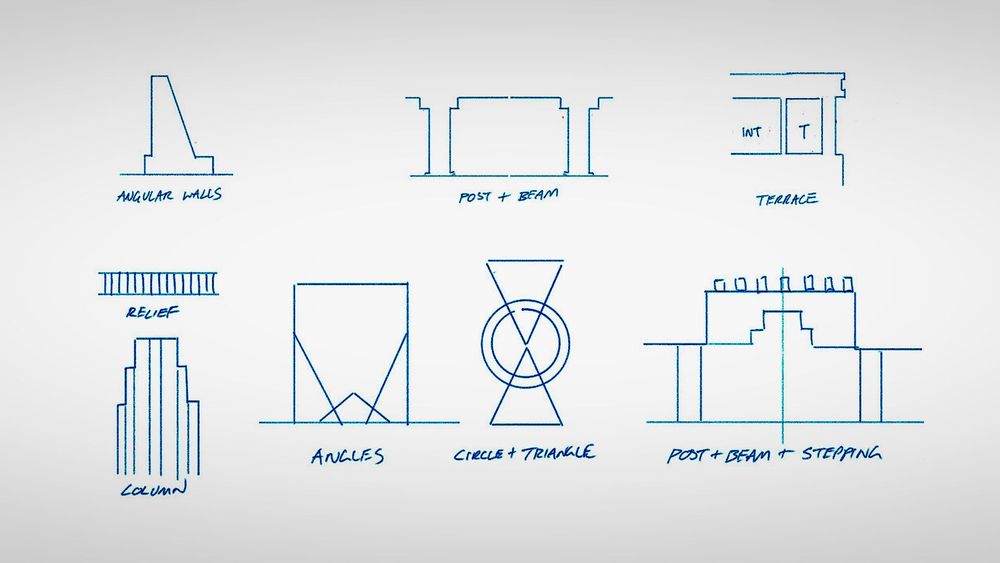 Free PreviewWatch Free Preview
Lesson 1
Session Overview
Learn about what the Session covers, receive your design brief, and prepare for ideation.
- 15 minutesTotal Lesson Duration
- 10 VideosVideo Lectures in this Lesson
Introduction
The Brief
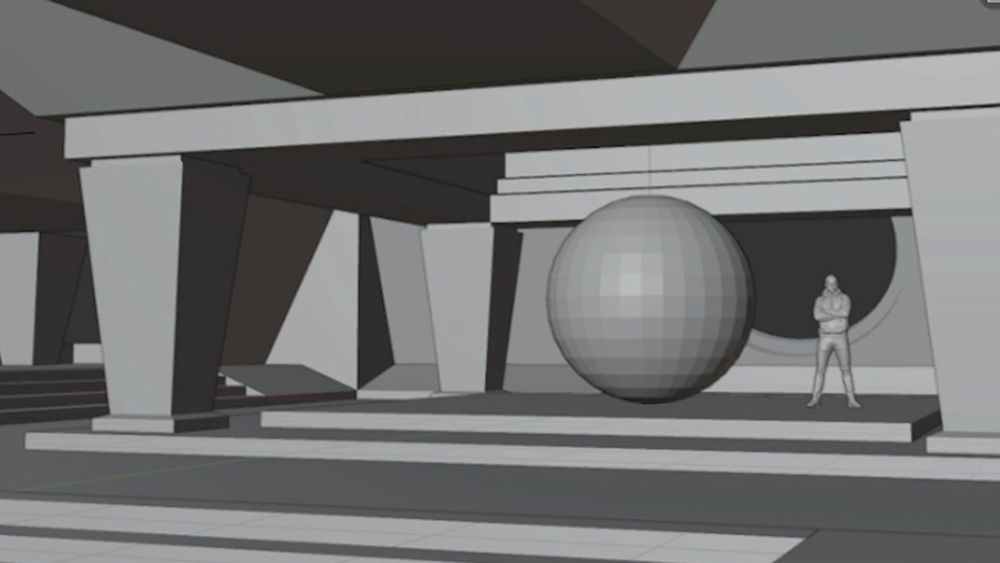
Lesson 2
Day 1: Initial Design
Learn to plan out your project timeline, unpack the brief materials, then do an initial 3D blockout and 2D paintover.
- 1h 8mTotal Lesson Duration
- 21 VideosVideo Lectures in this Lesson
- Project FilesDownloadable Project Files
Introduction
Unpacking the Brief
Initial Sketch
Initial Blockout
Day 1 Paintover
Presentation
Client Feedback Simulation
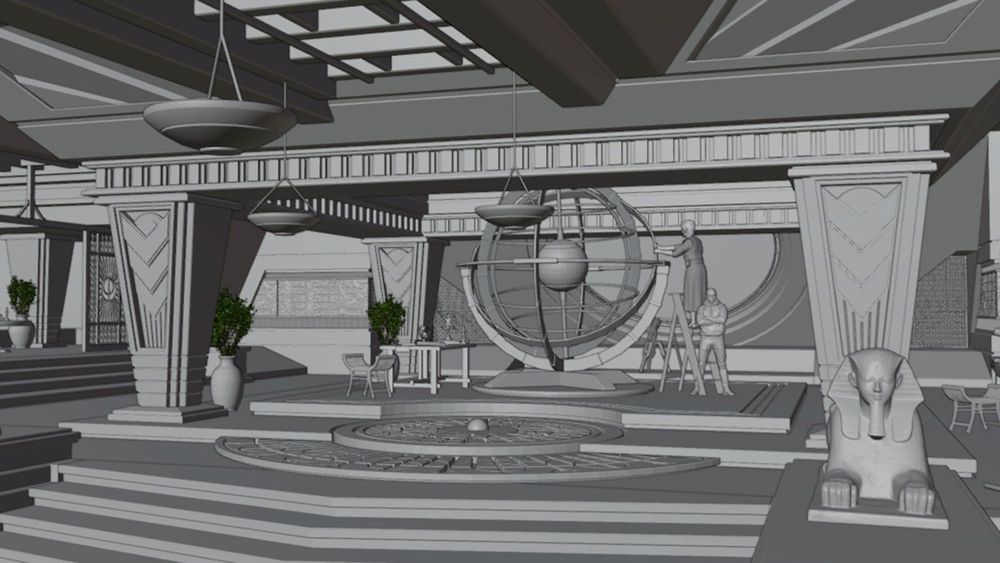
Lesson 3
Day 2: Refinement
Finalize your 3D by adding modeling details, then applying materials, set dressing, lighting and rendering.
- 1h 11mTotal Lesson Duration
- 15 VideosVideo Lectures in this Lesson
Introduction
Modeling Details
Materials
Set Dressing
Lighting and Rendering
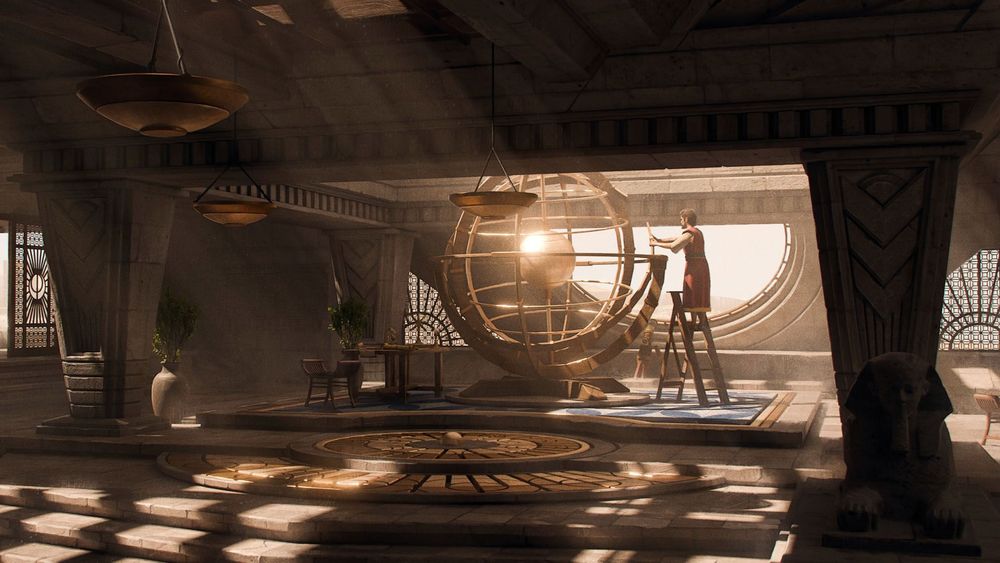
Lesson 4
this lessonDay 3: Paintover
Take your renders and create final paintovers for presentation.
- 32 minutesTotal Lesson Duration
- 9 VideosVideo Lectures in this Lesson
- Project FilesDownloadable Project Files
Introduction
Hero Shot Paintover
Extra Shot
Presentation
Conclusion
0 Comments
There are no comments
New comments from the community will be visible here.