
Day 1: Initial Design
Lesson 2 of 4 Interior Concept Design: On a Deadline
Learn to plan out your project timeline, unpack the brief materials, then do an initial 3D blockout and 2D paintover.
Unpacking the Brief Homework
Gather your own set of references to support the ones provided with the brief. Then do breakdowns of these references to identify shapes, proportions, patterns, details, and anything else you think will be useful to understand the space you want to create.
Then plan your day and write a checklist for yourself. Keep your chosen learning path in mind, and schedule accordingly!
Plan and Section Homework
Create a rough floor plan and section sketch to help you understand your space in 3 dimensions before starting to model. Try to plan a camera angle even at this early stage, so you know where to focus the details when you get to 3D.
Day 1 Artwork Homework
Do a rough 3D blockout of your interior, based on your plan and section sketch.
Once you have the blockout, do a rough black & white paintover of this image for presentation of your Day 1 work. Don't forget to also do an annotated version, clearly showing your ideas and design decisions.
Keep an eye on the time, and stick to the schedule you created to stay on track!
Client Feedback Homework
Now it's time to simulate client changes. You can either:
1. Send your work to a friend or colleague for feedback.
2. Select 2 changes from the following list:
- Add 2 columns to your space.
- Add screens to 1 more wall surface.
- Scale up the hero element by 25%.
Student Homework
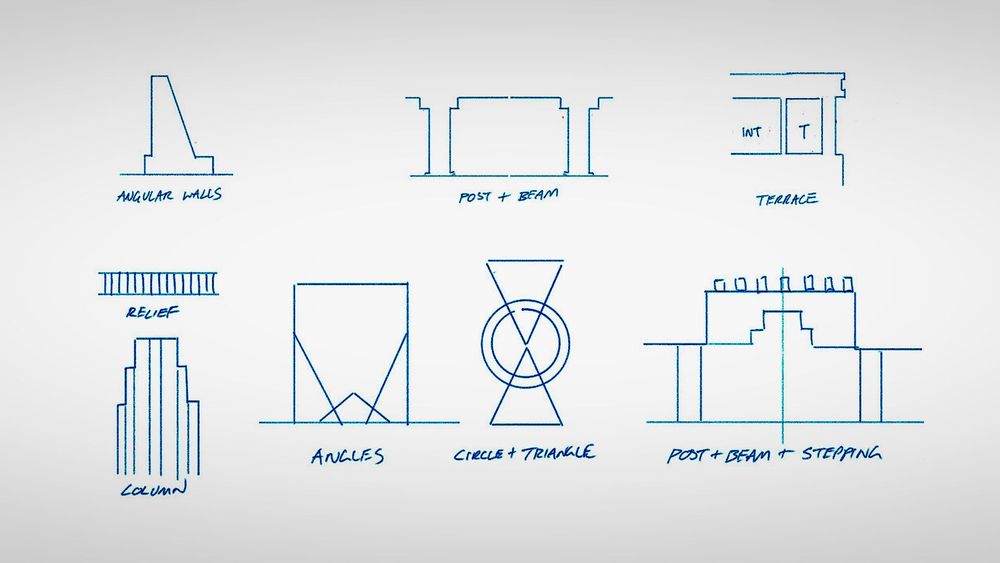 Free PreviewWatch Free Preview
Lesson 1
Session Overview
Learn about what the Session covers, receive your design brief, and prepare for ideation.
- 15 minutesTotal Lesson Duration
- 10 VideosVideo Lectures in this Lesson
Introduction
The Brief
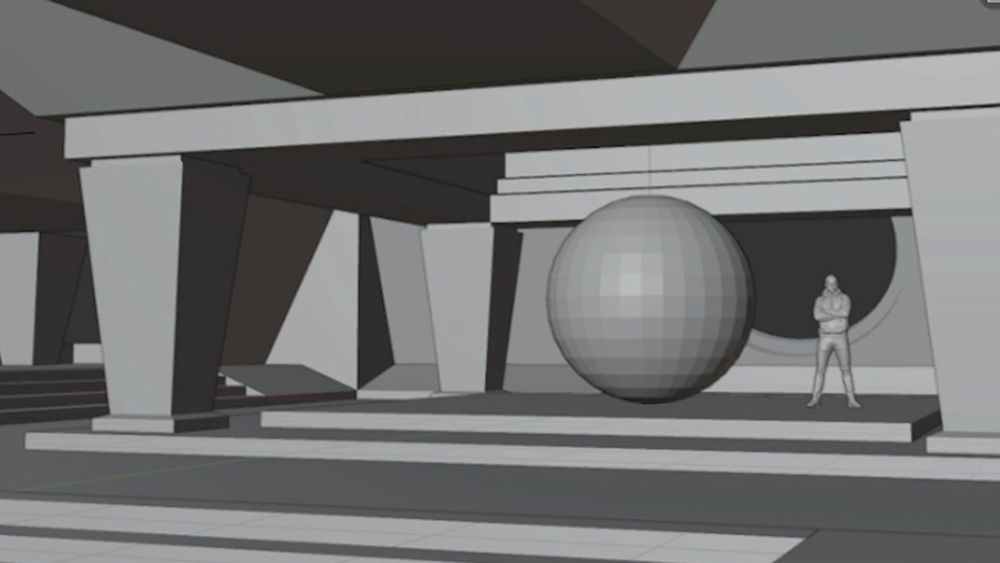
Lesson 2
this lessonDay 1: Initial Design
Learn to plan out your project timeline, unpack the brief materials, then do an initial 3D blockout and 2D paintover.
- 1h 8mTotal Lesson Duration
- 21 VideosVideo Lectures in this Lesson
- Project FilesDownloadable Project Files
Introduction
Unpacking the Brief
Initial Sketch
Initial Blockout
Day 1 Paintover
Presentation
Client Feedback Simulation
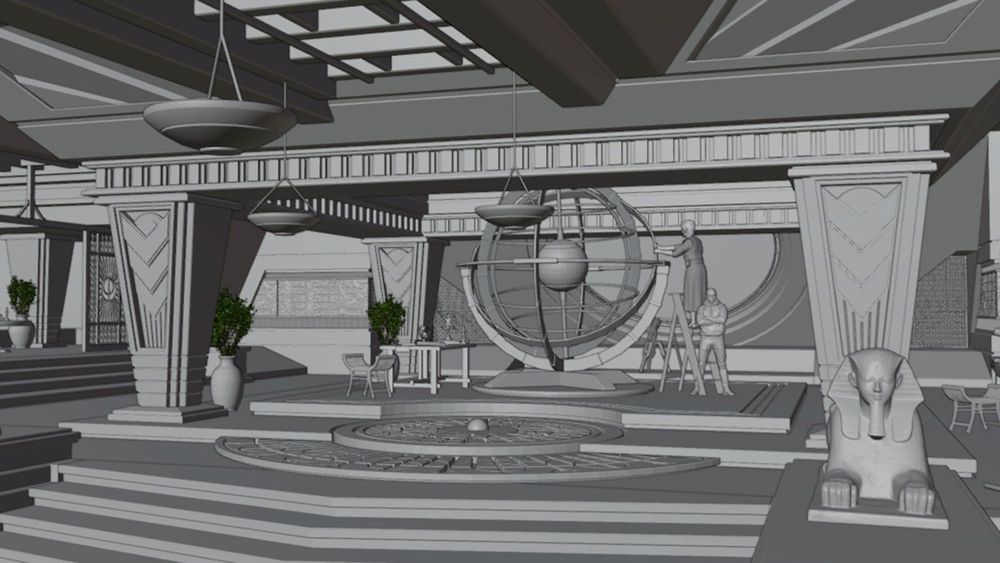
Lesson 3
Day 2: Refinement
Finalize your 3D by adding modeling details, then applying materials, set dressing, lighting and rendering.
- 1h 11mTotal Lesson Duration
- 15 VideosVideo Lectures in this Lesson
Introduction
Modeling Details
Materials
Set Dressing
Lighting and Rendering
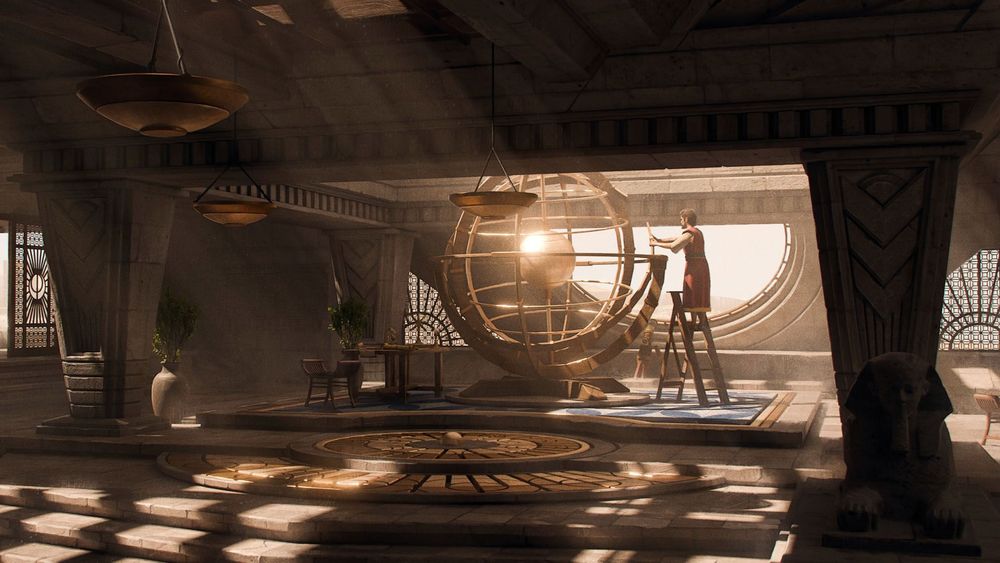
Lesson 4
Day 3: Paintover
Take your renders and create final paintovers for presentation.
- 32 minutesTotal Lesson Duration
- 9 VideosVideo Lectures in this Lesson
- Project FilesDownloadable Project Files
Introduction
Hero Shot Paintover
Extra Shot
Presentation
Conclusion
0 Comments
There are no comments
New comments from the community will be visible here.