Lesson 1
Design Fundamentals
In this lesson Ivan will take you through the core essentials of design, breaks down his personal ideation process and shows how his ideas translate into real results in 3D.
- 1h 47m
- 27 Free Videos
- Project Files
Create stunning hard surface designs with Ivan Santic (MOTH3R®), leveraging the unique power of Fusion. This course includes full access to the XDECAL Blender add-on, as well as Ivan's full Fusion Basics course, for FREE!
$149
$89
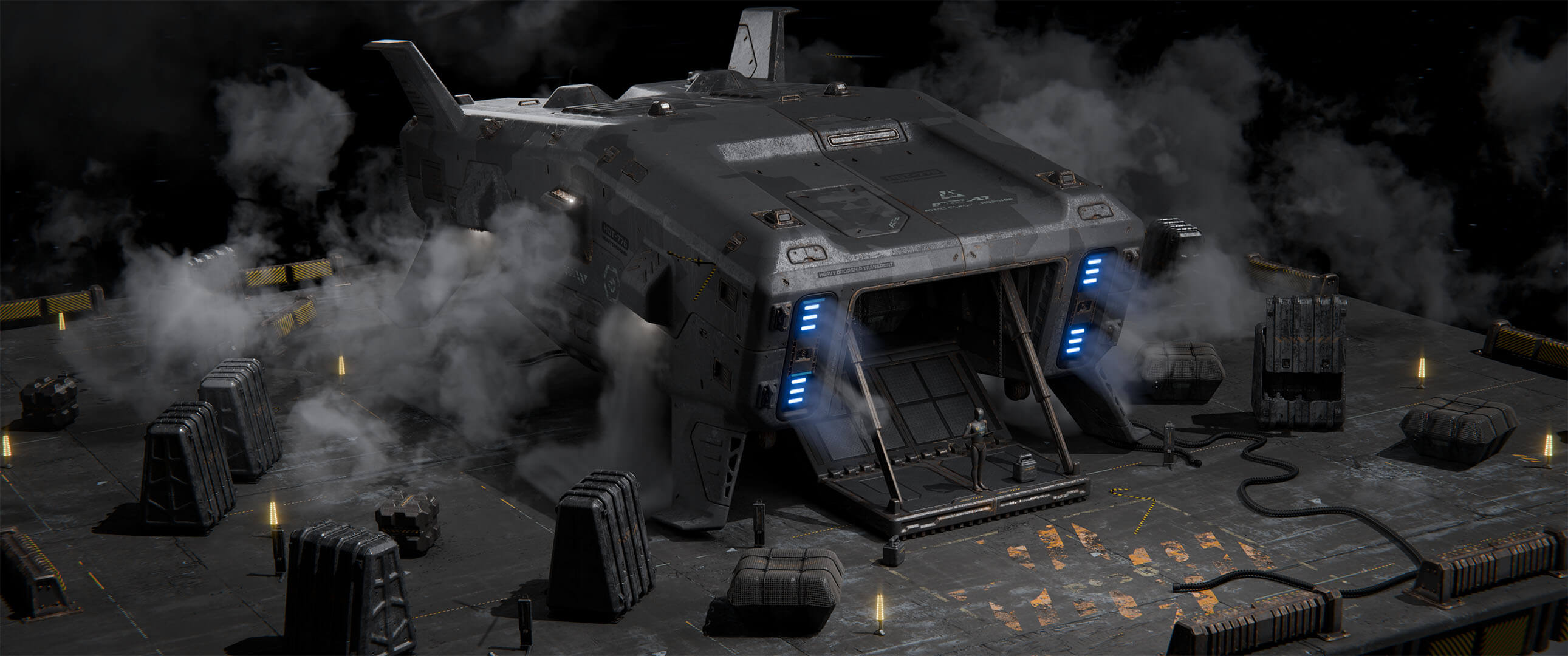
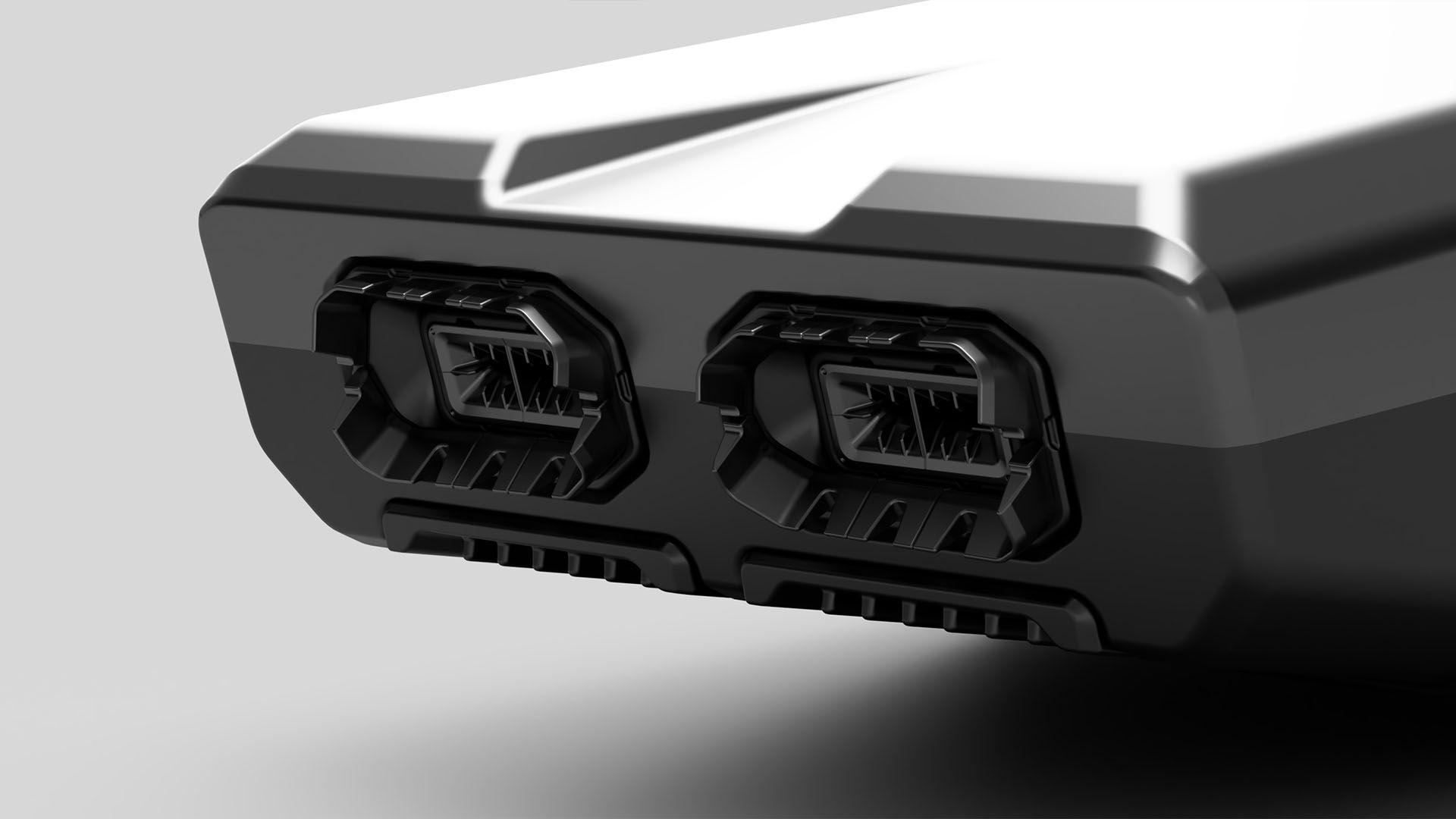
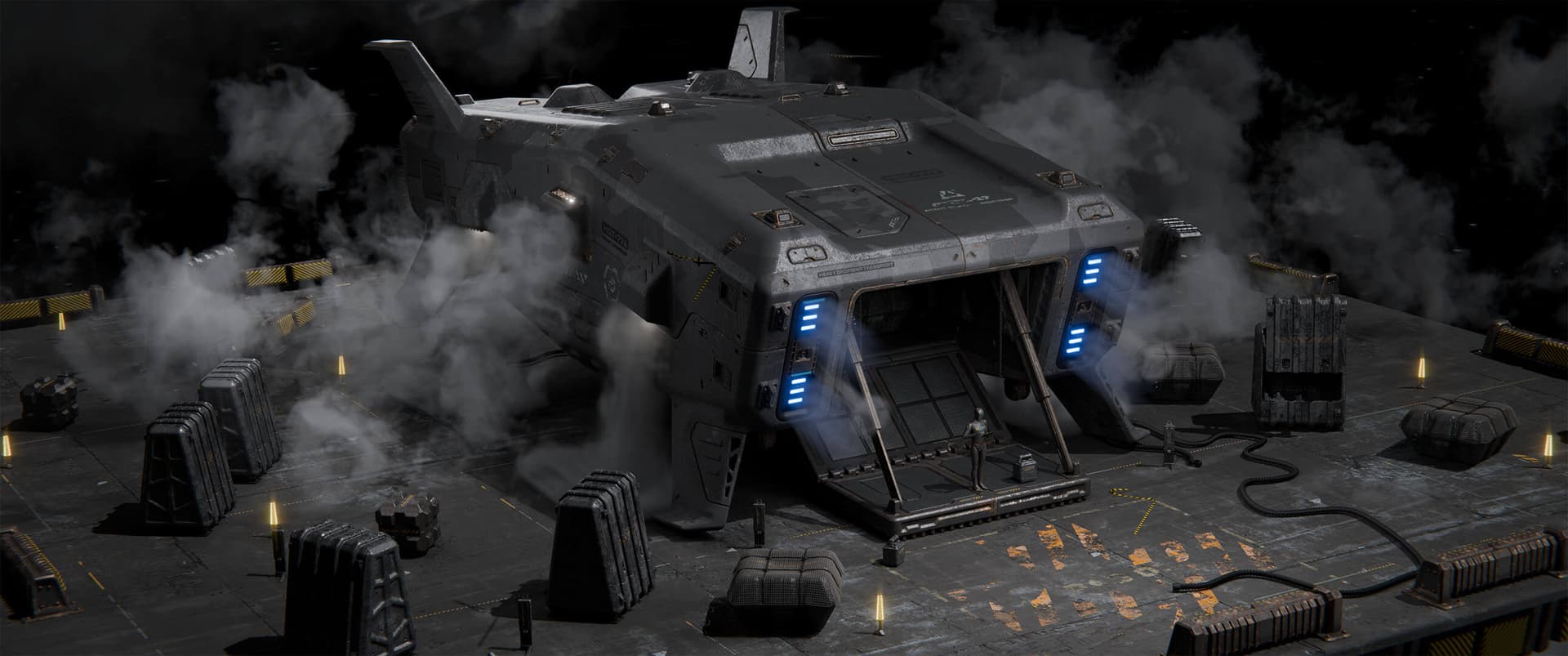
Create stunning hard surface designs in Fusion with Ivan Santic (MOTH3R®). In this course you'll learn to work holistically, layering on detail as you go and leveraging Fusion’s timeline-based workflow to propagate changes across your entire build. Ivan will then take you through texturing and lighting your model in Blender to craft compelling keyframes. As a bonus, this course includes full access to XDECAL, the Blender add-on Ivan co-developed for adding decals and surface detail. And on top of this, you'll receive Ivan's full Fusion Basics course for FREE! That means you'll learn everything from the absolute basics, all the way through advanced the advanced techniques that Ivan uses in his daily professional work.
After signing up for our courses, many of our students have broken into the industry, leveled up their skills, and got hired for their dream jobs. With over 20,000 students from around the world, you'll be in good company.
Not sure which course is for you? As a member of Learn Squared, you'll get free access to the first lesson of every course to try before you're ready to buy. Sign up now to get instant access and start learning today.
A guided path through every stage of the course, broken down into focused lessons you can work through at your own pace.
Lesson 1
In this lesson Ivan will take you through the core essentials of design, breaks down his personal ideation process and shows how his ideas translate into real results in 3D.
Lesson 2
Ivan’s entire beginner-friendly Fusion Basics course is included for free, for purchasers of Concept Design in Fusion. It’s included as the second lesson, so students can learn the fundamentals before beginning their projects.
Lesson 3
In this lesson you’ll begin blocking out your hero asset, adding in the largest and most important shapes to give it personality.
Lesson 4
Now you will add in any remaining large elements needed for your design, detailing as you go.
Lesson 5
In this lesson you will build a library of kitbash assets, which will be added to your main hero asset later in the assembly stage.
Lesson 6
Now it’s time to take all the assets created in the previous lesson and apply them to your main hero asset, layering in detail as you go.
Lesson 7
In this lesson you will bring your exported hero asset into Blender, or whatever software you prefer. You will conform each piece as it comes in, and set up basic materials.
Lesson 8
Now you will focus on dialing in materials for your hero asset, supporting props and any other elements of the scene.
Lesson 9
Now it’s time to bring everything together. You will add in final effects into the scene, making any last-minute changes necessary. Finally, you will render out finished shots showcasing your design.
Ivan Santic (MOTH3R®) is a concept designer renowned for his highly detailed hard surface work, created using Fusion and a uniquely iterative design workflow. Working under the name MOTH3R®, Ivan has built a strong following in the concept art community for his precision-driven approach, constructing every component of his designs from the ground up and refining them through continuous iteration. His work explores both grounded and sci-fi forms, with a focus on clarity, structure, and functional design thinking.
No rush. Not like there's any competition out there.
Free
Instant access to portions of this course and dozens of others
No credit card required
No expiration
Limited access
$149
$89
Get in touch for more information about discounts for teams, both big and small. Big savings either way.
tons of workflow crap and programs i would have never thought of trying.... PEEP DATTT!!!1
Designer
My career as a concept artist started after taking these courses. Much of what I learned I applied to my portfolio and in a couple months ... I got my first job.
Concept Artist & Illustrator
Learn Squared gives me the freedom and flexibility to learn from the best in the industry at my own pace.
Freelance Concept Artist
Join a devoted community of over 20,000 students from around the world.
Here's a full list of all the videos in this course.
In this lesson Ivan will take you through the core essentials of design, breaks down his personal ideation process and shows how his ideas translate into real results in 3D.
Ivan’s entire beginner-friendly Fusion Basics course is included for free, for purchasers of Concept Design in Fusion. It’s included as the second lesson, so students can learn the fundamentals before beginning their projects.
In this lesson you’ll begin blocking out your hero asset, adding in the largest and most important shapes to give it personality.
Now you will add in any remaining large elements needed for your design, detailing as you go.
In this lesson you will build a library of kitbash assets, which will be added to your main hero asset later in the assembly stage.
Now it’s time to take all the assets created in the previous lesson and apply them to your main hero asset, layering in detail as you go.
In this lesson you will bring your exported hero asset into Blender, or whatever software you prefer. You will conform each piece as it comes in, and set up basic materials.
Now you will focus on dialing in materials for your hero asset, supporting props and any other elements of the scene.
Now it’s time to bring everything together. You will add in final effects into the scene, making any last-minute changes necessary. Finally, you will render out finished shots showcasing your design.
Check out some of the amazing work Concept Design in Fusion students have created by doing their homework.